Smart Home
Google Home Camera Automations: Requirements and Limits
Google's 2026 preview adds camera-triggered automations for some users. Here are the plan, region, and setup limits to check first.
Last updated June 10, 2026. Source check: Google’s Google Home release notes and the FTC’s camera-security guidance were reviewed for this draft on the date above.
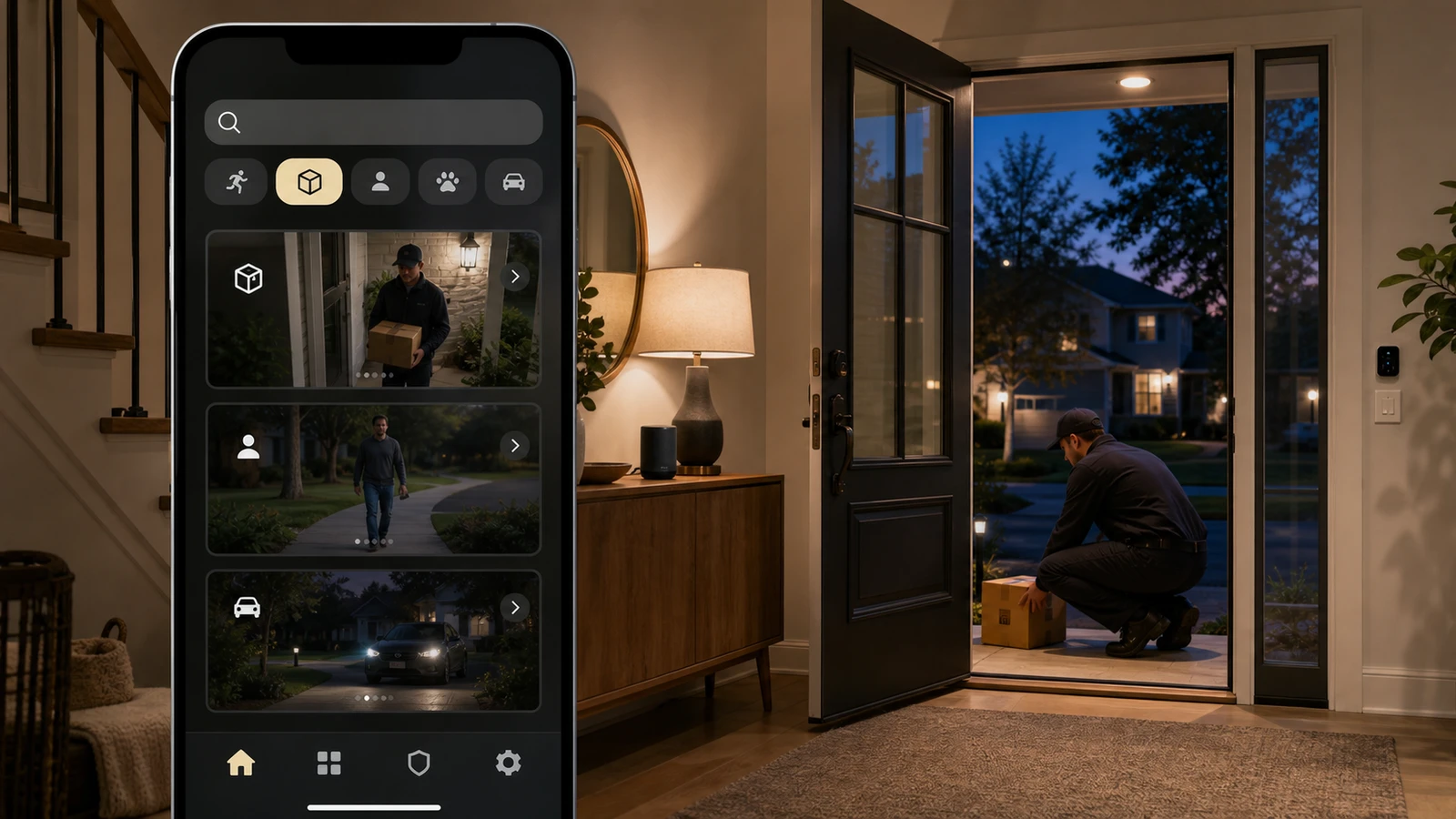
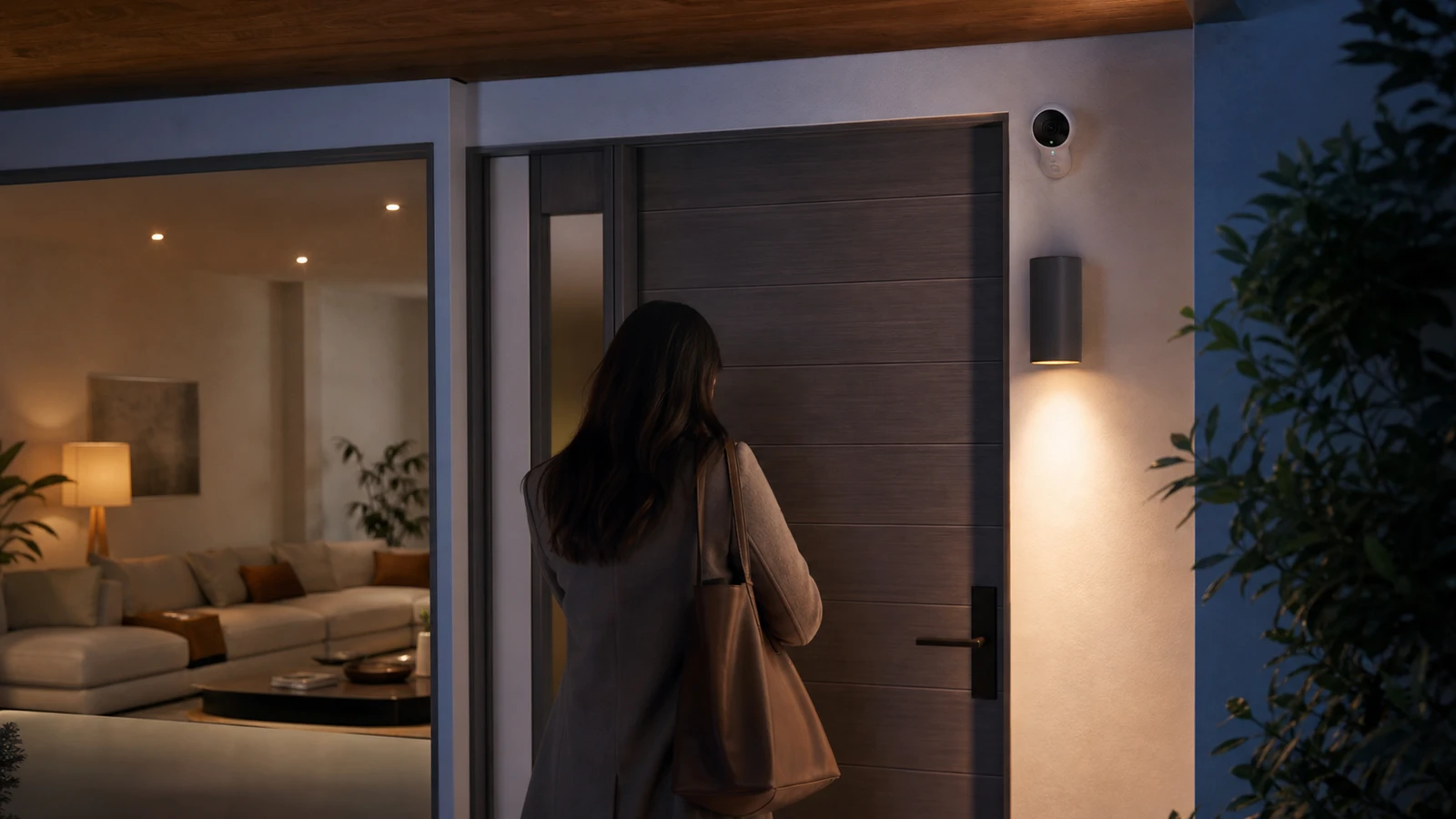
Google is expanding what camera events can do inside Google Home: instead of only alerting you, eligible camera activity can help trigger the rest of the home.
The useful part is real. The catch is that the feature does not roll out as a simple toggle for every Google Home user.
Google’s release notes say the public preview for camera activity-triggered automations arrived in late May 2026, and early-June updates kept expanding Google’s broader Gemini-for-Home preview. For early adopters, the practical question is not “Can Google Home do this now?” It is:
What exact plan eligibility, language, and preview limits apply before you build routines around it?
The short version
Google’s release notes currently indicate:
- camera activity can be used as an automation trigger in public preview
- Google ties the preview to eligible premium Google Home, camera, and AI plan access in its current materials
- the rollout is currently limited to U.S. English
- setup depends on whether the preview appears on your Google Home web or mobile surfaces
For most households, that means this is not yet a general Google Home feature. It is a limited early-access workflow with subscription and region gates.
What changed in late May and early June 2026
The late-May release-note entry is the important one for automation planning.
That update says eligible users can start creating automations from camera activity in Google Home. Early-June release notes continued the broader Gemini-for-Home rollout, which matters because Google is clearly grouping these capabilities under a larger AI-home push rather than treating them as a normal legacy routine update.
That framing matters for buyers and current owners alike:
- rollout may depend on AI subscription packaging, not only device ownership
- preview features can move faster than stable automations normally do
- the feature boundary may change again as Google expands countries, languages, or supported event types
What you need before assuming it works
1. Eligible plan access
Google’s current release notes do not present this as a free baseline camera automation for every account.
Google’s packaging around Home, camera-history, and AI plans has moved quickly during the rollout, so the safe move is to verify the live plan names and eligibility text on the current Google page tied to your account instead of trusting older headlines or screenshots.
If you only have the hardware and the normal Google Home app, that is not enough evidence by itself that your account qualifies.
2. The right region and language
Google currently lists the preview as U.S. English.
That is an easy line to skip past, but it is one of the highest-friction limitations in real households. A home can have supported devices and still miss the feature because the account language, home language, or region does not match the preview scope.
3. The right camera and preview access
Do not assume every Google Home household sees the same controls at the same time.
Before you build around the feature, confirm:
- the specific camera you want to use is exposed in Google Home
- the automation starter appears in your current preview surfaces
- the event type you care about is available in the interface you actually use
4. A preview mindset, not a “set it and forget it” mindset
Public preview features are the wrong place to start for anything security-critical.
If you are experimenting with this feature, start with low-risk outcomes such as:
- lighting changes
- spoken or push notifications
- status reminders
Do not treat camera classification as the only gate for actions like door unlocking, disarming security systems, or other high-consequence routines.
What this feature is good for right now
The strongest near-term use case is convenience, not household safety policy.
Good early fits include:
- turning on an entry light when the camera spots expected activity
- sending a household notification when a camera event matters
- reducing manual routine steps for recurring driveway or porch scenarios
Those uses benefit from camera awareness without asking a preview AI workflow to carry too much risk.
What not to assume yet
This update does not automatically mean:
- every Nest camera owner now gets advanced automations
- every Google Home routine can now be described in plain language and turned into a reliable camera workflow
- the feature works in every country or language
- preview behavior is stable enough to replace simpler sensor-based routines
That last point matters more than it sounds. Contact sensors, motion sensors, and timed routines are often still the safer choice when you want predictable automation instead of smart interpretation.
The setup checklist for early adopters
Before you build around camera-triggered automations, confirm:
- your exact Google account subscriptions
- your home language and region settings
- whether your Google Home app or web experience shows the preview
- whether the camera event you care about is exposed in the interface you are using
- whether the automation result is harmless if the preview gets it wrong
If you cannot answer all five clearly, you are still in “interesting demo” territory rather than dependable household workflow territory.
The practical buying and planning takeaway
For current Google Home households, this update is useful because it signals where Google is trying to differentiate: camera context plus Gemini plus paid home subscriptions.
For buyers, it is also a warning not to confuse “Google announced a preview” with “this is a mature included feature.”
If you are evaluating the ecosystem in 2026, price the workflow as:
- hardware cost
- premium camera-history or Home-plan cost
- AI-plan cost
- preview risk
That is a more honest ownership calculation than looking only at the camera spec sheet.
Sources and further reading
- Google Home app release notes
- FTC: How to secure your home security cameras
- Related: Matter Cameras and Doorbells in 2026 and Smart Camera Privacy Settings Checklist
Frequently asked questions
- Do I need more than a basic camera and app setup?
- Yes. Google's current materials tie the preview to eligible premium plan access, but the exact plan names can shift during rollout. Re-check the live release notes and the subscription page tied to your account before buying around the feature.
- Is this available outside the United States?
- Google's release notes currently describe the preview as U.S. English only. If your account language or region falls outside that scope, do not assume the feature will appear yet.
- Should I use camera-triggered automations for door locks or alarm disarming?
- That is a poor first use case for a public preview. Keep early testing to low-risk actions such as lights or notifications until Google expands and stabilizes the feature set.
Draft updated June 10, 2026. This article is a plain-English summary of Google’s public release notes plus general FTC camera-security guidance, not first-hand testing or legal, privacy, or security advice. Re-check Google’s live release notes before publication because preview eligibility, plan packaging, supported surfaces, and region limits can change quickly. See our editorial policy for methodology and corrections.
The Signal Brief
One useful dispatch each week.
One sharp take, three things worth reading, and the week's buying signals.