Smart Home
Smart Camera Privacy Settings Checklist
A practical checklist for placing smart cameras, protecting accounts, limiting sharing, checking logs, and avoiding private-room mistakes.
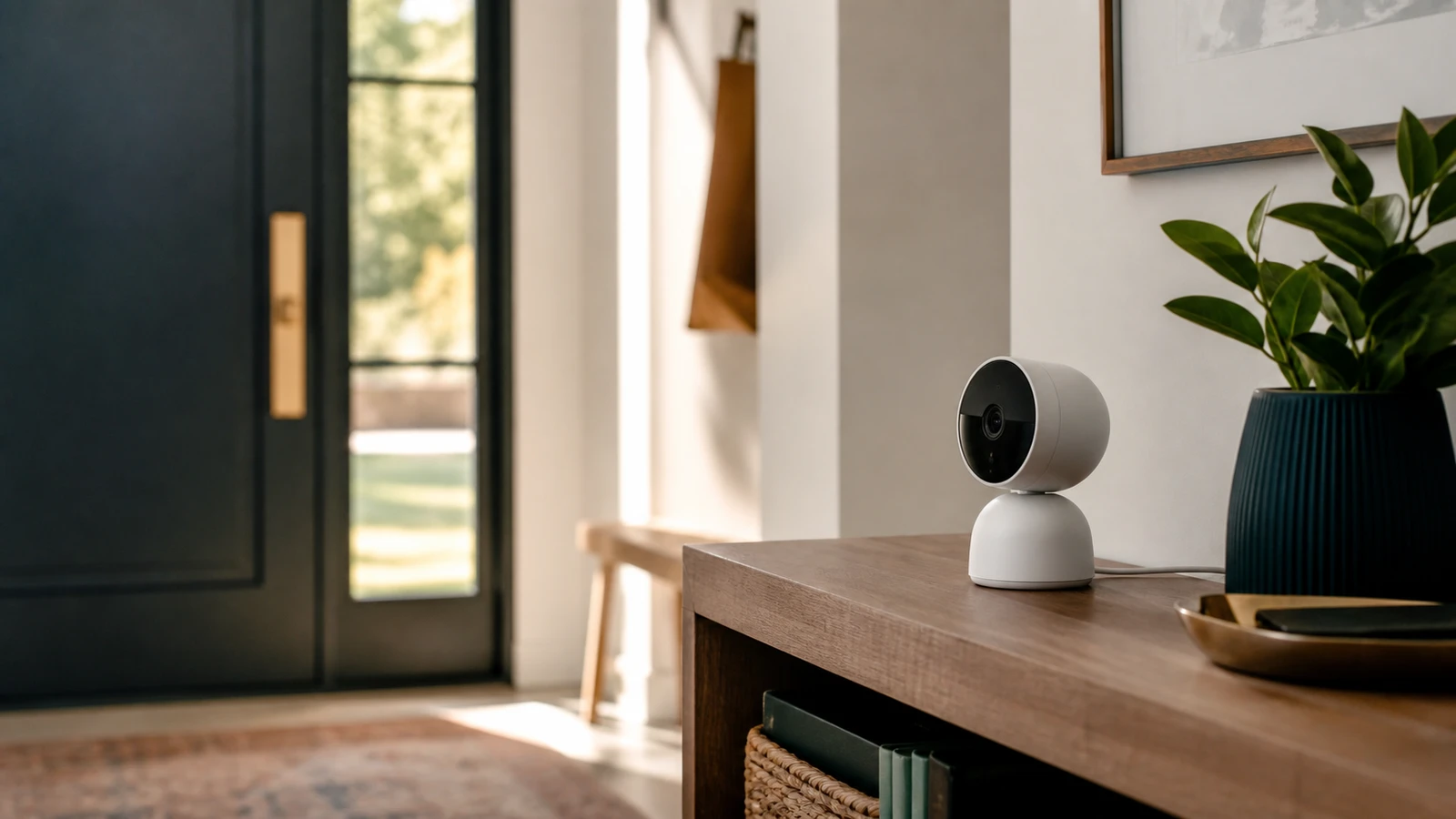
Smart cameras are useful because they see and hear. That is also the risk. Before installing one, decide what it should never capture, who can view it, how long recordings remain available, and what happens when you sell or reset the device.
Before installation
- Avoid bedrooms, bathrooms, and rooms where guests reasonably expect privacy.
- Aim outdoor cameras at your own entry points, not neighbors’ windows.
- Decide whether audio recording is necessary.
- Check whether cloud recording is optional.
- Confirm how footage is deleted.
- Confirm the manufacturer’s software update policy.
The FTC’s camera guidance highlights the privacy risk of remote live video, especially when a camera shows a private area of the home. Treat placement as the first security setting.
Account settings
Set up the account before mounting the camera:
- Use a unique password that is not reused anywhere else.
- Enable two-factor authentication when available.
- Remove old shared users.
- Use a separate household email alias if several people manage devices.
- Turn on account alerts for new logins or new devices.
If the camera account is compromised, the camera itself can become a window into the house.
App and device settings
Check these settings after setup:
- Motion zones.
- Audio recording.
- Status light.
- Face recognition.
- Package/person detection.
- Cloud storage.
- Local storage.
- Clip retention period.
- Shared household access.
- Third-party integrations.
Disable features you do not use. A simpler setup is easier to audit.
Ongoing review
Once a month:
- Check access logs if the app provides them.
- Confirm firmware is current.
- Review who can view the camera.
- Delete old clips you no longer need.
- Make sure indoor cameras are still aimed correctly.
- Remove devices you no longer own.
FTC guidance for internet-connected devices recommends using device security features such as encryption and passcode lockout when available. For cameras, also look at sharing and retention because privacy risk is not only about hackers.
Placement review by camera type
For front-door cameras, keep the view tight enough to serve the purpose: visitors, packages, and the immediate approach. Avoid using a doorbell as a general neighborhood camera. If audio is not needed, consider disabling it.
For driveway or garage cameras, check glare, night lighting, vehicle headlights, and whether the camera points into a neighbor’s property. A wider view is not automatically better if it captures more than you need.
For indoor cameras, use the narrowest possible purpose. Pet monitoring, temporary travel monitoring, or entry-room monitoring may be reasonable. A permanent camera in a private room usually deserves a much higher privacy bar.
Data retention choices
Shorter retention is often easier to justify than keeping every clip for a long time. Decide what you actually need:
- live view only
- event clips for a few days
- longer history while traveling
- local storage for specific areas
- cloud storage for critical entry points
If the app supports clip deletion, test it. If it supports shared users, test what those users can view, download, delete, or share.
Household rules
Tell household members and regular guests where cameras are placed and what they record. Do not hide indoor cameras from people who reasonably expect privacy. If children, caregivers, cleaners, contractors, or roommates are involved, be even more careful about consent, disclosure, and local rules.
When a sensor is better
Use a contact sensor, motion sensor, leak sensor, or smart lock log when you only need an event signal. Video should answer a question that a less invasive device cannot answer.
Sources and further reading
- FTC: How To Secure Your Home Security Cameras
- FTC: Securing Your Internet-Connected Devices at Home
- NIST: Consumer IoT Cybersecurity
- Related: Smart Home Guest Network Guide
Frequently asked questions
- Should I put a smart camera inside the house?
- Only when the benefit is clear. Avoid private rooms and consider whether a contact sensor or motion sensor would solve the same problem with less privacy exposure.
- Is local storage always safer than cloud storage?
- Not always. Local storage can reduce cloud exposure, but it still needs physical security, software updates, and access control. Compare the whole system, not one feature.
Last updated May 12, 2026. See our editorial policy for methodology and corrections.
The Signal Brief
One useful dispatch each week.
One sharp take, three things worth reading, and the week's buying signals.