Home Network
Mesh Wi-Fi vs Extender: Which Fixes Dead Zones?
A practical comparison of mesh Wi-Fi, extenders, Ethernet, and router placement for fixing weak rooms without overbuying hardware.
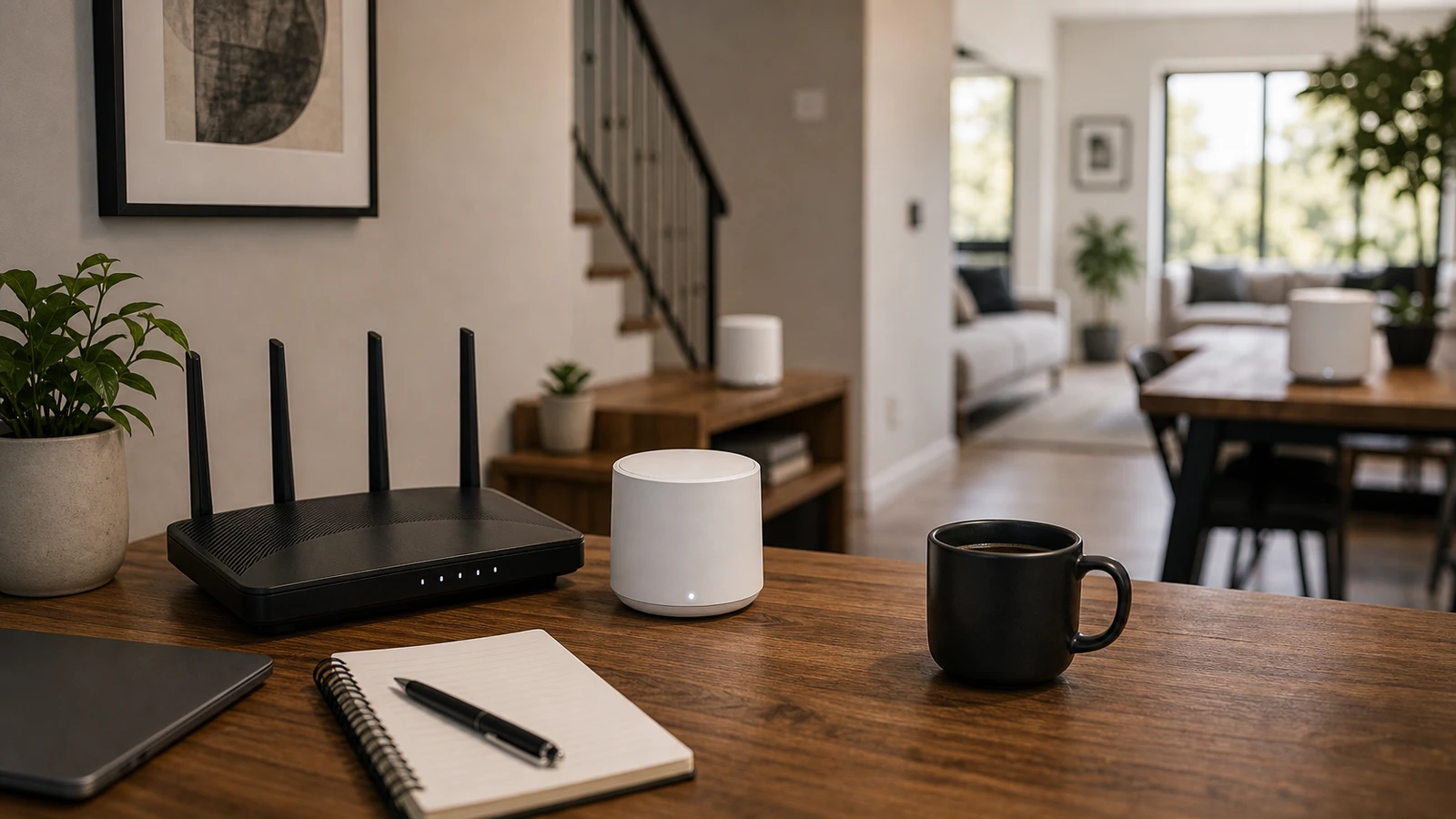
A Wi-Fi dead zone is not always a router problem. Sometimes the router is in the wrong room. Sometimes a thick wall or floor blocks the signal. Sometimes a single extender can help. Sometimes the only clean answer is wired backhaul or a mesh system.
The best fix depends on how many rooms are bad and how important those rooms are.
What each option does
| Fix | Best for | Trade-off |
|---|---|---|
| Router placement | First step in almost every home | Limited by where the internet line enters |
| Wi-Fi extender | One weak room with light use | Can reduce speed and add another network name |
| Mesh Wi-Fi | Whole-home coverage and easier roaming | Costs more and still needs good node placement |
| Ethernet | Desktops, TVs, game consoles, access points | Requires cable routing |
| Wired mesh backhaul | Best mesh performance | Needs Ethernet between nodes |
If the device never moves, wire it when practical. Save Wi-Fi for mobile devices and rooms where cable is unrealistic.
When a simple extender is enough
An extender can make sense if:
- Only one room is weak.
- The room is used for browsing, email, or light streaming.
- You can place the extender halfway between the router and the weak room.
- You do not care if roaming between rooms is imperfect.
- You want the cheapest possible experiment.
Extenders fail when people plug them into the dead zone itself. The extender needs a decent signal to repeat. If it receives a bad signal, it repeats a bad signal.
When mesh is the better fix
Mesh makes more sense when:
- Several rooms have weak signal.
- People move between rooms on calls.
- The router cannot sit in a central location.
- You want one network name and simpler management.
- You have many phones, laptops, tablets, TVs, and smart home devices.
- You can place nodes where they still have strong contact with the main router or wired backhaul.
Mesh is not magic. A mesh node behind the same thick wall that blocks the router will have the same problem. The node should sit before the signal gets bad, not inside the dead zone.
Wired backhaul is the quiet advantage
Many mesh systems can connect nodes with Ethernet. This is called wired backhaul. It lets the mesh node spend more wireless capacity serving devices instead of relaying traffic back to the main unit over Wi-Fi.
Use wired backhaul if:
- You already have Ethernet in rooms.
- A TV, desk, or game room needs stable speed.
- The home has dense walls or multiple floors.
- You are placing nodes far apart.
If you cannot wire everything, wiring just one mesh node can still improve the network.
Placement rules
Start here:
- Keep the main router as central and open as possible.
- Put mesh nodes between the router and the weak area, not at the far edge.
- Avoid cabinets, floors, metal shelves, and appliance clusters.
- Give each node some height and open air.
- Test in the actual room where calls, streaming, or work fail.
After moving a node, wait a few minutes and test again. Mesh systems often need time to re-evaluate connections.
What to buy first
Use this order:
- Move the router.
- Wire high-demand fixed devices if you can.
- Try one extender for one low-demand weak room.
- Buy mesh for multi-room coverage or roaming.
- Add wired backhaul where performance matters.
Do not buy a large mesh kit before checking the real dead-zone pattern. Too many nodes too close together can create its own problems.
Wi-Fi 6, 6E, and 7 note
Newer Wi-Fi generations can improve capacity, latency, and efficiency when the router and devices both support them. Wi-Fi 7 adds features such as wider 320 MHz channels in countries that allow 6 GHz use, plus Multi-Link Operation.
That does not mean every home needs Wi-Fi 7 today. If your devices are older, your internet plan is modest, or your main issue is placement through thick walls, newer labels alone will not fix the layout.
Sources and further reading
- FCC National Broadband Map guide
- FCC 2024 broadband benchmark discussion
- Wi-Fi Alliance on Wi-Fi CERTIFIED 7
Frequently asked questions
- Is mesh Wi-Fi better than an extender?
- Mesh is better for whole-home coverage, roaming, and multiple weak rooms. An extender can be enough for one low-demand room if it is placed where it still receives a good signal.
- Where should I place a mesh node?
- Place it between the main router and the weak area, before the signal becomes poor. A node inside the dead zone usually has too little signal to repeat well.
- Does Wi-Fi 7 fix dead zones?
- Not by itself. Newer Wi-Fi can improve capacity and latency with compatible devices, but dead zones are usually caused by distance, walls, placement, or poor node layout.
Last updated May 10, 2026. See our editorial policy for methodology and corrections.
The Signal Brief
One useful dispatch each week.
One sharp take, three things worth reading, and the week's buying signals.