Home Network
TP-Link Archer C64 Security Update Guide
TP-Link says Archer C64 v1 has a June 2026 high-severity SSH brute-force issue. Here is the fixed firmware version and the owner checklist.
Last updated June 9, 2026. Source check: TP-Link’s June 5, 2026 Archer C64 advisory and Archer C64 download page were reviewed for this draft on the date above.
If you still run a TP-Link Archer C64 v1, TP-Link’s June 2026 bulletin is worth a prompt firmware check.
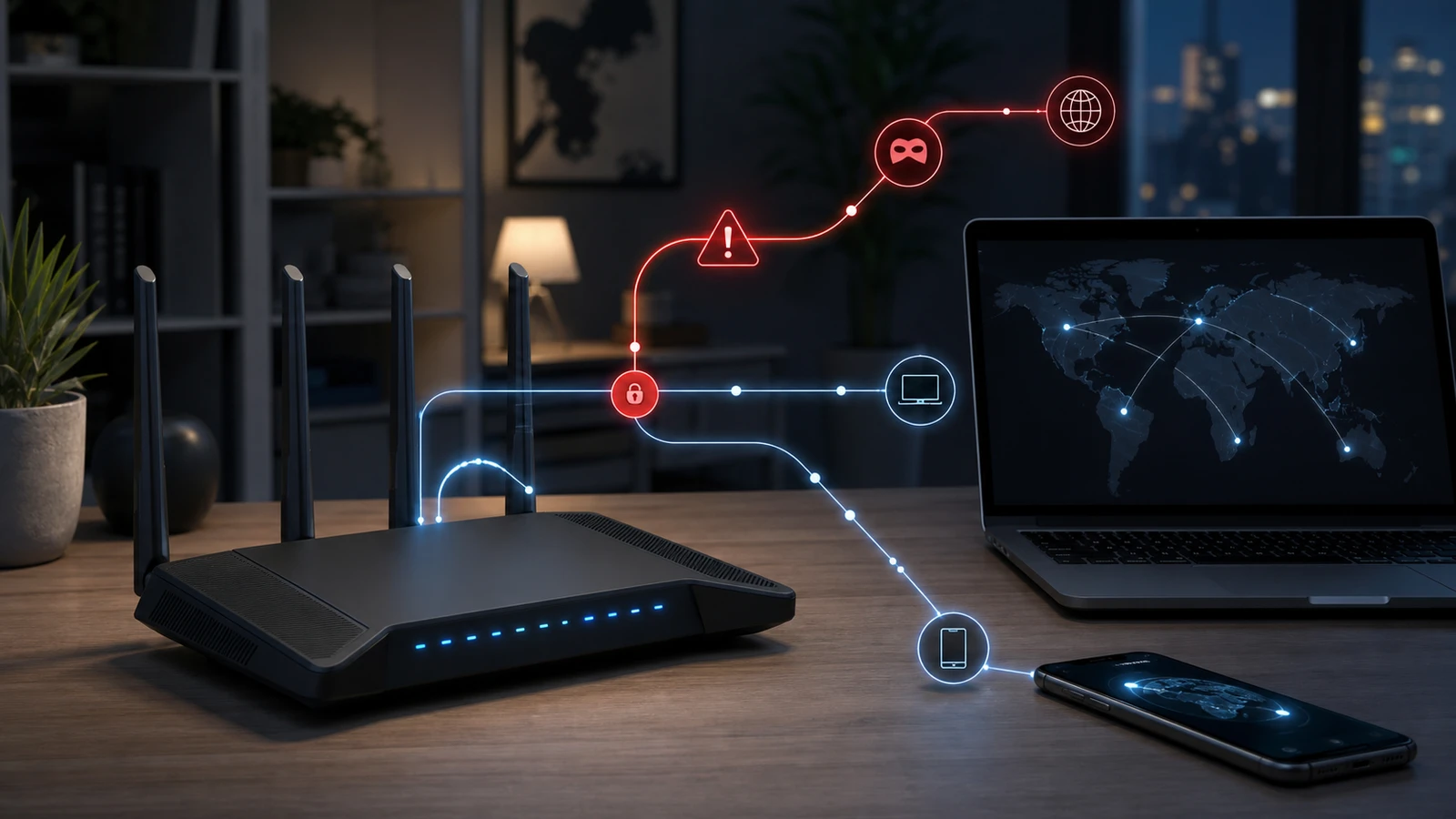
TP-Link says a debug SSH service on Archer C64 v1 did not properly enforce authentication rate limiting. Because that SSH service uses the same credentials as the web interface, TP-Link says an attacker with adjacent network access can brute-force valid credentials and take full administrative control of the router.
What TP-Link publicly lists
TP-Link’s advisory says:
- the issue is CVE-2026-8697
- the advisory was last updated on June 5, 2026
- the affected hardware is Archer C64 v1
- the listed severity is CVSS v4.0 8.7 / High
- the fixed firmware is
1.15.0 Build 250729 Rel.63489n(4555)
TP-Link also says Archer C64 is not sold in the United States, even though the advisory appears on TP-Link’s U.S. support site. In practice, that means this article is most relevant for imported hardware, owners in supported regions using the U.S. advisory as a reference, or anyone trying to verify whether a marketplace-bought unit matches the affected model.
Why this advisory matters
The key detail is not just “SSH bug.”
TP-Link says the debug SSH service:
- allows unlimited authentication attempts
- uses the same credentials as the web interface
- can be abused by someone with adjacent network access
That is important because it turns a weak or reused admin password into a much more dangerous problem than usual.
This is not the same thing as TP-Link claiming the router is being attacked from anywhere on the public internet. But it is still a serious owner problem if an attacker can get onto the relevant local or nearby network path and repeatedly guess credentials.
Which hardware and firmware are in scope
According to TP-Link, the advisory covers:
| Model | Hardware version | Fixed firmware |
|---|---|---|
| Archer C64 | V1 | 1.15.0 Build 250729 Rel.63489n(4555) |
If your router is not Archer C64 v1, this article does not confirm that it is affected by this specific advisory.
The owner checklist
1. Confirm the exact model and hardware revision
Do not stop at “I have an Archer router.”
Check:
- the model name on the label
- the hardware revision
- the currently installed firmware version
TP-Link scoped this advisory to Archer C64 v1 specifically.
2. Compare your firmware against TP-Link’s fixed version
Treat the router as needing action if it is still below:
1.15.0 Build 250729 Rel.63489n(4555)
If the admin page presents firmware information unclearly, use the support path linked from TP-Link’s advisory instead of guessing from memory or retail listings.
3. Update first, then review password hygiene
The firmware update is the main fix. After updating, it is also reasonable to review the admin password if it was:
- short
- reused anywhere else
- shared with other people
- set years ago and never rotated
Because TP-Link says the SSH service uses the same credentials as the web interface, weak admin-password habits matter more here.
4. Be careful with region and support assumptions
Since TP-Link says Archer C64 is not sold in the U.S., do not assume a generic U.S. storefront or app flow is the whole truth for your device.
Verify against:
- the exact support page tied to your hardware revision
- the region that matches where the unit was originally sold
- the support material linked from the advisory itself
This matters most when the router came from marketplace sellers, cross-border imports, or older leftover inventory.
5. Treat missing support as a replacement signal
If you cannot find a trustworthy maintained firmware path for your exact Archer C64 v1, the problem stops being only a patch task.
It becomes a lifecycle problem.
For a router handling work devices, cameras, or smart-home traffic, unclear support is already a good reason to plan replacement instead of stretching the device indefinitely.
What not to assume
Do not assume:
- every TP-Link router shares this flaw
- the advisory automatically applies to every Archer C64 sold in any region
- a router is safe just because Wi-Fi still works normally
- “not sold in the U.S.” means the advisory is irrelevant to imported units
The most reliable shortcut here is checking the exact model, revision, and firmware.
The short decision rule
If you have Archer C64 v1, verify the firmware now and update to the fixed build TP-Link lists.
If you cannot confirm a legitimate support path for the exact unit you own, start treating replacement as the more conservative long-term answer instead of trying to normalize unsupported networking hardware.
Sources and further reading
- TP-Link advisory: Archer C64 CVE-2026-8697
- TP-Link download page: Archer C64
- Related: Home Router Security Checklist: 10 Settings to Change and Router Buying Checklist: What to Check Besides Wi-Fi Speed
Frequently asked questions
- If the advisory says adjacent network access, does that mean I can ignore it?
- No. It means TP-Link is not describing a random public-internet attack path in the advisory. But the company still rates the issue High and says successful exploitation can lead to full administrative access.
- What firmware version does TP-Link list as fixed?
- TP-Link lists 1.15.0 Build 250729 Rel.63489n(4555) as the fixed firmware for Archer C64 v1.
- Why mention that Archer C64 is not sold in the U.S.?
- Because TP-Link says that directly in the advisory, and it changes how owners should verify support. Imported or marketplace-bought units may need region-specific support checks instead of assumptions based on U.S. retail availability.
Last updated June 9, 2026. Re-check TP-Link’s live advisory and the Archer C64 download page that matches your region and hardware revision before publication because firmware availability and support notes can change. This article is a general security summary, not legal, insurance, or incident-response advice. See our editorial policy for methodology and corrections.
The Signal Brief
One useful dispatch each week.
One sharp take, three things worth reading, and the week's buying signals.