Home Network
TP-Link Legacy Router Advisory: Keep or Replace?
TP-Link says many legacy routers and access points tied to CVE-2023-50224 are end-of-life as of May 12, 2026. Here is the keep-or-replace checklist.

Last updated June 2, 2026. Source check: TP-Link’s May 12, 2026 advisory and linked support materials were reviewed for this draft on the date above.
If your TP-Link router is old enough that you have not checked firmware in years, TP-Link’s May 12, 2026 advisory is the kind of notice that should push you out of “I’ll get to it later.”
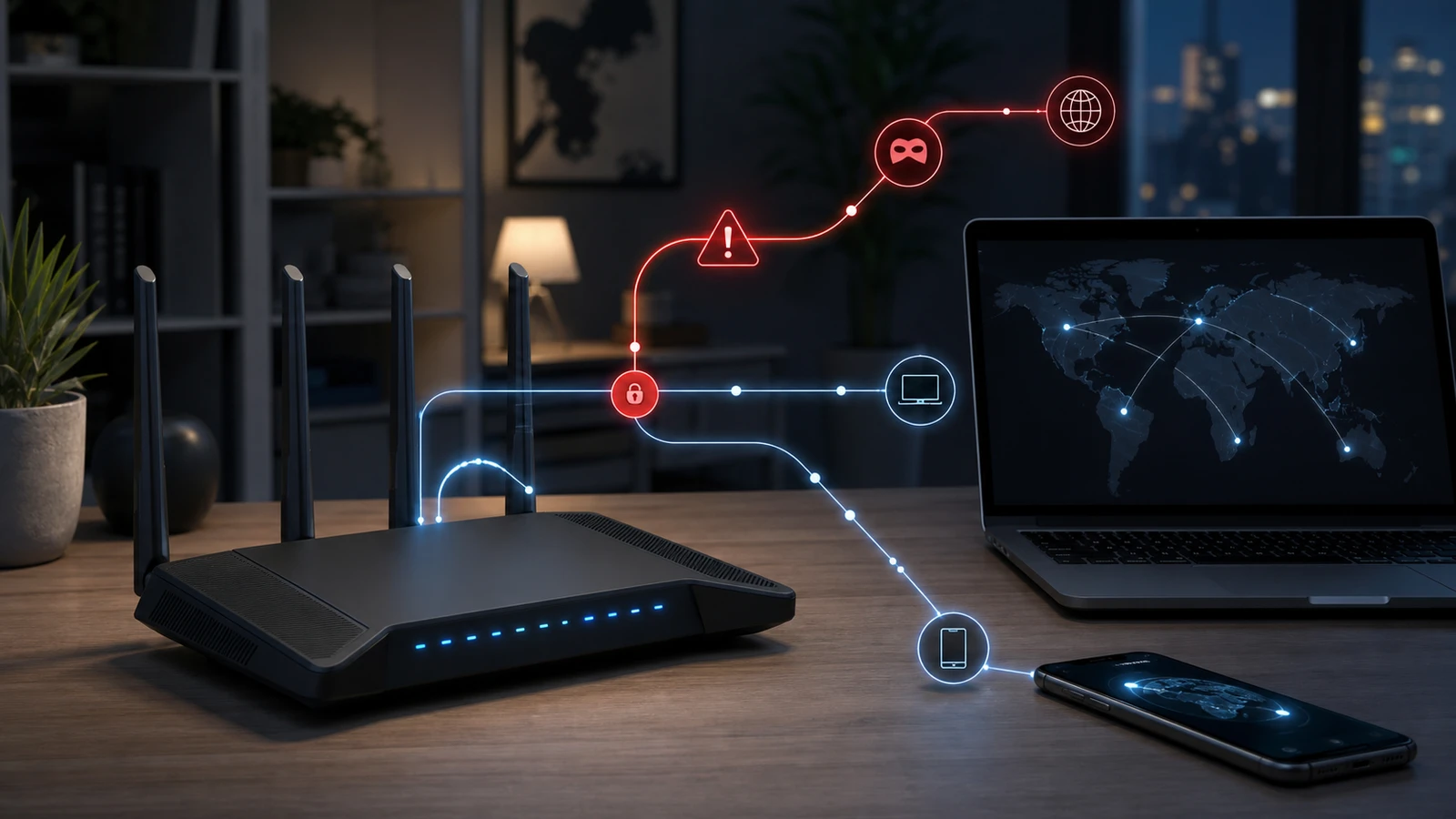
TP-Link says multiple legacy routers and access points may be affected by CVE-2023-50224, and the company ties the issue to recent public reporting and law-enforcement disclosures about exploitation activity involving older consumer networking devices.
The short version
TP-Link’s advisory says:
- the issue is CVE-2023-50224
- the severity is CVSS v3.0 6.5 / Medium
- multiple legacy TP-Link routers and access points may be affected
- almost all affected models are already EOL
- some models are patched, some partially patched, and many remain unpatched
- affected legacy products do not support cloud-based or automatic firmware updates
That last point is the practical trap. A household can keep using old hardware for years without realizing there is no silent background fix coming.
What TP-Link says the vulnerability can do
TP-Link says the flaw is an improper authentication issue that allows
network-adjacent attackers to retrieve sensitive information from the device’s
httpd service. The company says successful exploitation may disclose stored
credentials and that public reporting indicates the vulnerability may be
actively exploited in campaigns involving DNS manipulation.
For many home users, that is a reason to treat this as a router-trust issue rather than as a cosmetic software bug.
Why “legacy” is the key word
TP-Link says that, except for TL-WR940N v6 which reached EOS in 2024, all listed affected products had already reached End-of-Life and were no longer within TP-Link’s standard maintenance lifecycle.
That changes the decision rule:
- on a current router, you usually ask whether a patch is available
- on a legacy router, you first ask whether the device still deserves to remain in service at all
What the advisory table means in plain English
The advisory splits affected models into three groups:
- Patched
- Partially patched
- Unpatched
Examples TP-Link lists include:
- Patched: Archer C5 v2, Archer C7 v2/v3, Archer C1900 v1, TL-WA901N v6
- Partially patched: TL-WR841N v8-v12, TL-WR940N v2-v6, TL-WR941ND v5/v6, TL-WA901ND v3-v5
- Unpatched: TL-MR6400 v1/v2, TL-WDR3600 v2, TL-WDR4300 v1, TL-WR845N v1/v2, TL-WA701ND v2, TL-WA801ND v3/v4, and many more
If your model is in the unpatched bucket, this is no longer just a firmware maintenance task. For many households, it becomes a replacement decision.
The owner checklist
1. Identify the exact model and hardware revision
Do not stop at “I have an Archer” or “I have a TP-Link access point.”
Check:
- model name
- hardware revision
- current firmware version
TP-Link’s table is revision-specific. One hardware version may have a fix while another does not.
2. Do not assume the router updates itself
TP-Link says none of the affected legacy models support cloud-based or automatic firmware updates.
That means:
- if there is a patch, you may need to install it manually
- if you never visited the product download page, you may still be on the old firmware
- “it still works” does not mean “it is still supportable”
3. If the model is unpatched, treat replacement as the default answer
TP-Link’s own first recommendation is to upgrade to a supported TP-Link product that receives regular security updates.
That is stronger than a generic “consider upgrading someday.” When the vendor itself is telling owners of EOL gear to move on, continued use should usually be treated as the exception that needs a clear reason.
4. If you must keep it temporarily, reduce exposure
TP-Link says unavoidable continued use should include:
- installing the latest available firmware
- disabling remote management and unnecessary services
- restricting access to trusted internal networks only
- monitoring for unusual DNS behavior or unauthorized configuration changes
Those are temporary risk-reduction steps, not a permanent safety guarantee.
5. Check whether the device is filling a weak but non-obvious role
Legacy routers often survive because they were repurposed as:
- a spare access point
- a guest network box
- a bridge in a detached room
- an old travel router
Those devices are easy to forget, but they still sit inside your network trust boundary.
Keep or replace: the practical rule
Replace now if any of these are true:
- the device is listed as unpatched
- you cannot verify the hardware revision confidently
- manual firmware installation feels risky or confusing
- the device is doing anything security-sensitive such as routing, DNS, or remote administration
You might keep it briefly only if:
- the device is clearly patched in TP-Link’s table
- you manually installed the right firmware
- remote management is disabled
- you already have a near-term replacement plan
For most households, an old patched router is still worse than a current supported one if you plan to depend on it for primary internet access.
What not to do
Avoid these common mistakes:
- assuming a legacy router is fine because it still broadcasts Wi-Fi
- trusting an old admin page that never mentions security status
- leaving remote management enabled on forgotten backup hardware
- treating partial patch status as the same thing as fully supported
The right comparison is not old-versus-broken. It is old-and-quietly-risky versus current-and-actively-maintained.
Sources and further reading
- TP-Link advisory: CVE-2023-50224 impact on legacy routers and access points
- TP-Link End-of-Life product list
- Related: Home Router Security Checklist: 10 Settings to Change and TP-Link Range Extender Security Update Guide
Frequently asked questions
- If my old TP-Link router still works, why replace it?
- Because TP-Link says many affected models are end-of-life, many remain unpatched, and none of the listed legacy models support automatic firmware updates. Reliability is not the same thing as ongoing security support.
- What if my model is only partially patched?
- Treat that as a warning state, not as equivalent to full support. Apply the available firmware, reduce exposure, and plan replacement rather than assuming the problem is fully closed.
- Does this apply only to main routers?
- No. TP-Link's advisory also covers legacy access points, and forgotten secondary devices can still expose a home network if they remain inside the trust boundary.
Last updated June 2, 2026. This article summarizes TP-Link’s published advisory and mitigation guidance, not incident-response, legal, or forensic advice. Re-check TP-Link’s live advisory, EOL list, and model download pages before acting because remediation status, regional model availability, and firmware links can change. See our editorial policy for methodology and corrections.
The Signal Brief
One useful dispatch each week.
One sharp take, three things worth reading, and the week's buying signals.