Workspace
Apple Business for Small Teams: Practical Guide
Apple Business launched April 14, 2026 as a free platform that folds device management, email, calendar, brand tools, and optional support into one place.
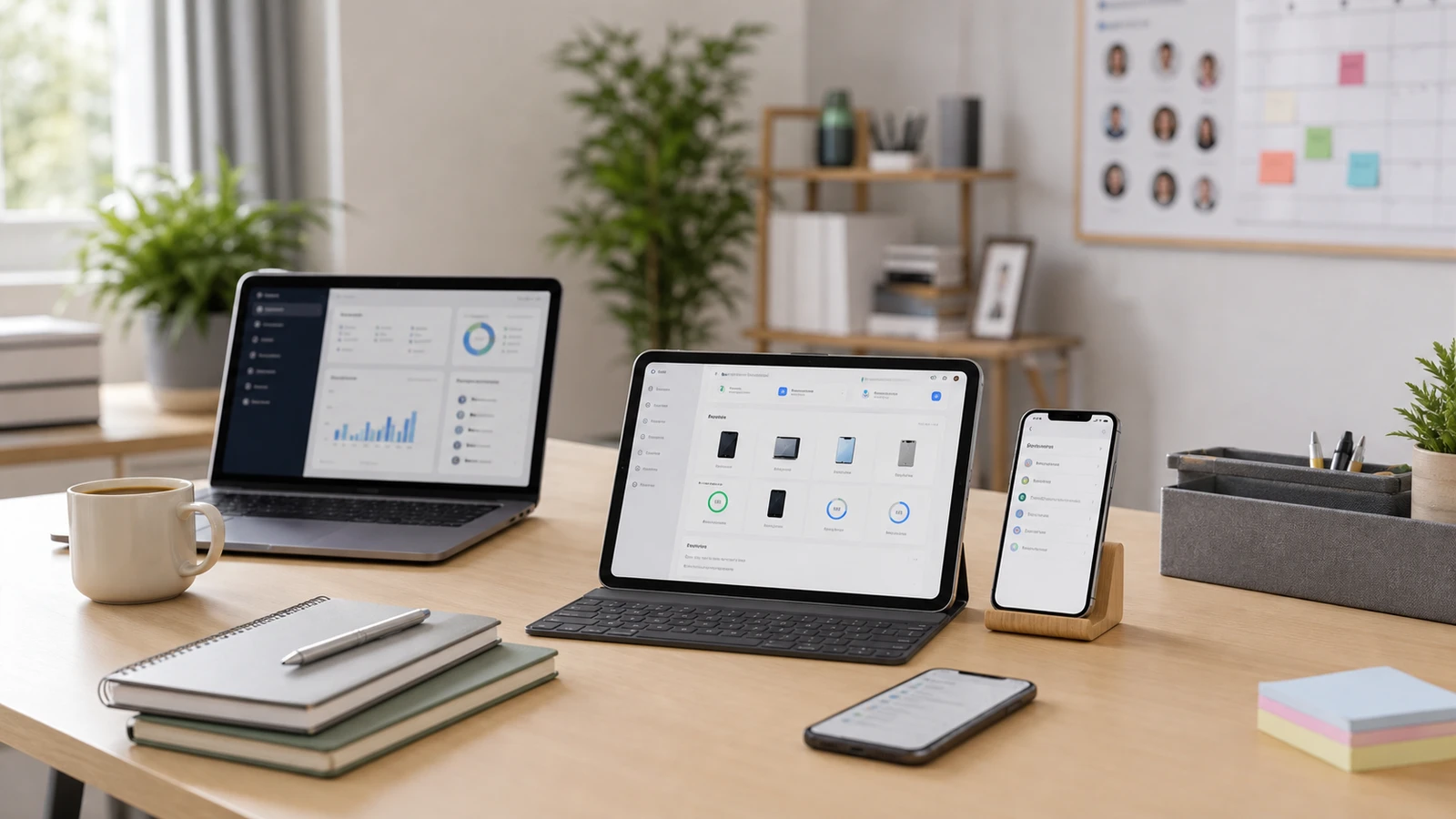
Apple has turned several older business services into one new platform, and for small teams that change is more meaningful than a rebrand.
Apple announced Apple Business on March 24, 2026, and said the service would become available on April 14, 2026. The new platform combines device management, business email and calendar, brand-location tools, and optional support into one Apple-managed workspace.
What Apple Business includes
Apple’s launch pages describe four practical buckets for small teams.
1. Built-in device management
Apple says the platform includes:
- built-in MDM
- Blueprints for preconfigured settings and apps
- zero-touch deployment for new devices
- employee and device setup from one interface
For a mostly Apple-based team without dedicated IT staff, that is the clearest reason to pay attention.
2. Business email, calendar, and directory
Apple says businesses can:
- bring their own custom domain or buy one through Apple Business
- set up professional email
- use business calendars
- maintain a company directory
The live Apple Business site also says the service includes 5GB of storage per user by default, with paid upgrades available.
3. Brand and location tools
Apple folded business-discovery features into the same platform, including:
- brand profiles
- Maps location management
- rich place cards
- custom actions
- location insights
Apple also says Ads on Maps are coming in the U.S. and Canada during summer 2026. That is important for interpretation: not every business feature is globally available on day one.
4. Optional support and storage upgrades
Apple says U.S. customers can buy:
- iCloud storage upgrades starting at $0.99 per user per month
- AppleCare+ for Business starting at $6.99 per month per device, or $13.99 per month per user for up to three devices
Those are optional add-ons, not the baseline free service. Apple also says feature, service, and pricing availability can vary by country and region.
What it replaces
Apple’s launch article says:
- Apple Business Essentials will no longer be available once Apple Business launches
- Apple Business Manager will no longer be available as a separate service
- Apple Business Connect data will automatically migrate at launch
That matters because some small teams may still be searching older setup guides that use pre-launch product names.
Where small teams will feel the benefit first
Apple Business looks most practical for teams that are already:
- mostly on Macs, iPhones, and iPads
- light on in-house IT staffing
- trying to standardize setup and onboarding
- happy to keep brand, Maps, and device tools inside one vendor stack
For that kind of team, a combined admin surface is simpler than stitching together several Apple portals plus a separate email identity for every worker.
What Apple Business does not replace
This is the part small teams should keep realistic.
Apple Business does not automatically replace every business system you may already use for:
- Windows or Android device management
- cross-platform identity and SSO strategy
- ticketing and help-desk workflows
- accounting, CRM, or project management
- Microsoft 365 or Google Workspace-heavy collaboration setups
If your team is mixed-platform or deeply tied to non-Apple productivity tools, Apple Business may be a strong Apple-layer admin tool without being your whole business stack.
Compatibility and rollout caveats
Apple’s pricing and availability section says:
- Apple Business is a free service
- it is available in the U.S. and 200+ countries and regions
- the companion app plus email, calendar, and directory features require iOS 26, iPadOS 26, or macOS 26
- feature and service availability varies by country and region
That means a small team can be “eligible for Apple Business” while still not being ready for every part of Apple Business on older devices.
A simple decision rule
Apple Business is worth a serious look if your team is small, mostly Apple, and still operating with improvised setup, email, and device onboarding.
It is probably not a full-stack replacement if your business depends on:
- mixed-device fleets
- mature Microsoft or Google admin policies
- non-Apple line-of-business tooling
- advanced identity, compliance, or support workflows
In that case, treat Apple Business as an Apple operations layer, not as the entire office stack.
Sources and further reading
- Apple Newsroom: Introducing Apple Business
- Apple Business overview
- Related: Home Office Setup Guide and Office Reduced Functionality Mode: Old Mac and iPhone Fixes
Frequently asked questions
- Is Apple Business a paid subscription?
- Apple says the base Apple Business service is free. Optional storage upgrades and AppleCare+ for Business plans cost extra, and Maps ads are a separate future commercial feature.
- Does Apple Business replace Apple Business Manager and Business Essentials?
- Apple's launch materials say Apple Business Manager, Apple Business Essentials, and Apple Business Connect will no longer be available as separate services once Apple Business launches, with existing data migrating into Apple Business.
- Do I need the newest Apple operating systems for every feature?
- For some features, yes. Apple says the companion app plus email, calendar, and directory features require iOS 26, iPadOS 26, or macOS 26.
Last reviewed June 1, 2026. This article summarizes Apple’s launch and live service pages, not hands-on testing or legal, tax, compliance, or procurement advice. Re-check Apple’s live pricing, OS requirements, country availability, and Maps-ad rollout before acting because these details can vary by region and change after launch. See our editorial policy for methodology and corrections.
The Signal Brief
One useful dispatch each week.
One sharp take, three things worth reading, and the week's buying signals.