Home Network
TP-Link Range Extender Security Update Guide
TP-Link says five range extenders have a May 2026 password-reset flaw. Here is the affected-model list, firmware cutoff, and owner checklist.
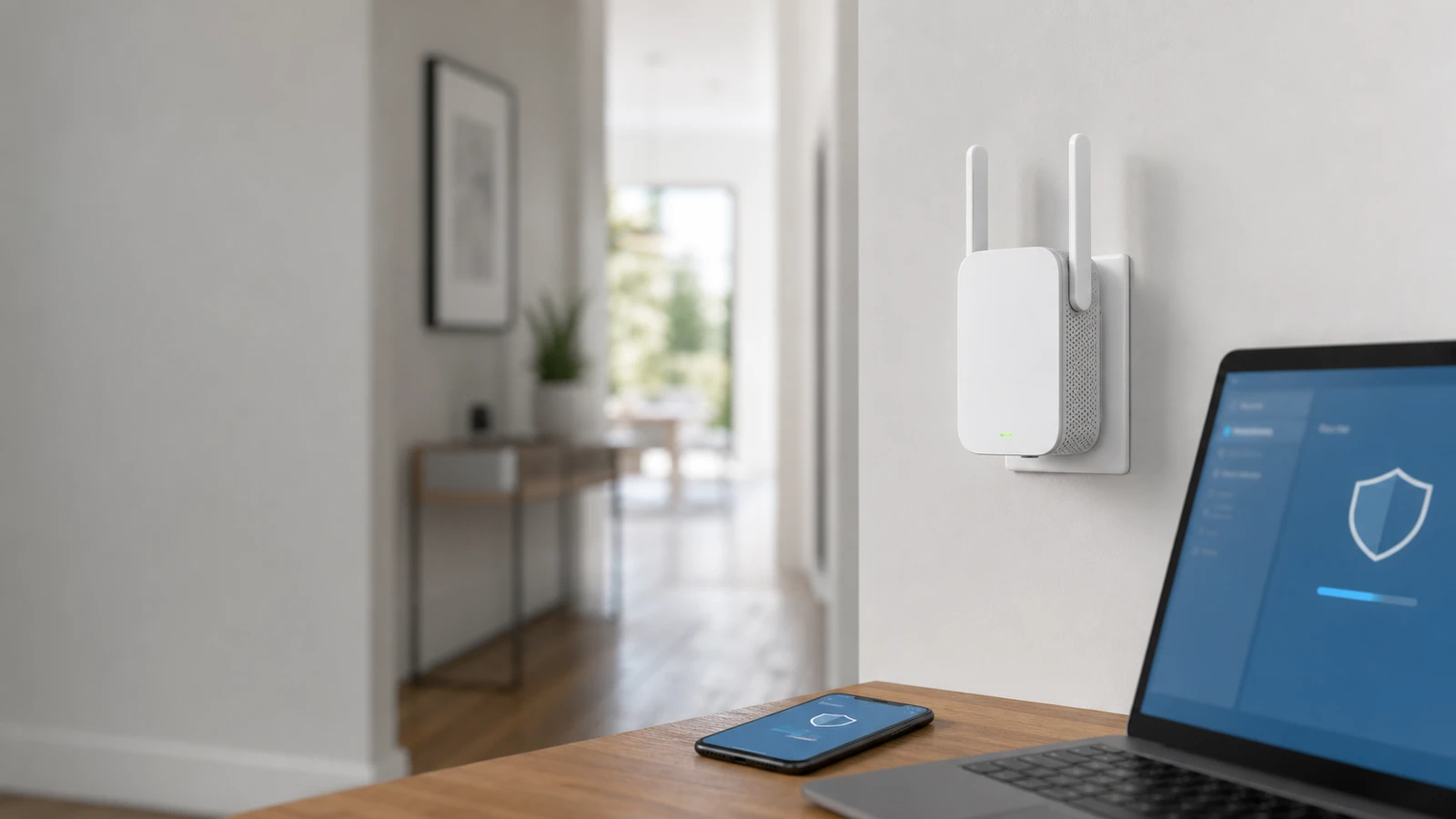
If you use a TP-Link range extender to patch one weak room, this advisory deserves a prompt firmware check rather than a vague “maybe later” reminder.
On May 22, 2026, TP-Link published a security advisory for several range extenders that says an unauthenticated attacker on an adjacent network could manipulate a login parameter and reset the administrator password.
The short version
TP-Link’s advisory says:
- the issue is CVE-2026-3294
- the severity is CVSS v4.0 8.7 / High
- the issue affects five specific range extender hardware revisions
- successful exploitation can lead to full administrative control of the affected extender
- TP-Link says owners should download and update to the latest firmware
For most households, that makes this a direct firmware-check task, not a reason to factory-reset the whole home network first.
Which extenders are listed
TP-Link’s U.S. advisory lists these affected models and cutoffs:
| Model | Affected version | Fixed baseline |
|---|---|---|
| RE305 v1 | earlier than V1_20260515 | V1_20260515 or newer |
| RE360 v1 | earlier than V1_20260515 | V1_20260515 or newer |
| RE580D v1 | earlier than V1_20260515 | V1_20260515 or newer |
| RE650 v1 | earlier than V1_20260429 | V1_20260429 or newer |
| TL-WA860RE v4 | earlier than V4_20260515 | V4_20260515 or newer |
The hardware revision matters. RE650 v1 is not the same thing as every RE650 ever sold.
If your exact model and revision are not on this list, this article does not confirm they are affected.
Why the hardware revision check comes first
Range extenders often look interchangeable on a shelf, but vendor advisories are usually tied to a specific hardware revision and firmware branch.
Before you update anything, confirm:
- the exact model name
- the hardware revision printed on the label
- the currently installed firmware version
If you skip the revision check, it is easy to download the wrong file or assume the wrong cutoff applies.
The owner checklist
1. Confirm the extender’s exact hardware revision
Check the label on the unit or the admin page.
TP-Link’s advisory is scoped to:
- RE305 v1
- RE360 v1
- RE580D v1
- RE650 v1
- TL-WA860RE v4
If your hardware revision differs, go to the product support page for your exact unit before assuming this advisory matches.
2. Compare your installed firmware to TP-Link’s cutoff
Treat the extender as affected if the installed firmware is below the fixed baseline listed above.
If you cannot easily tell from the admin page whether the build is older or newer, use the product-specific download page linked from TP-Link’s advisory instead of guessing.
3. Update from TP-Link’s download page if the admin panel is unclear
TP-Link’s advisory links directly to download pages for each affected model.
That matters because extender apps and web panels do not always make firmware status obvious, especially on older range extenders. If the update prompt is missing or ambiguous, use the vendor download page as the source of truth.
4. Consider rotating the extender admin password after updating
Because the advisory centers on administrator-password reset behavior, it is reasonable to rotate the extender’s admin password after patching, especially if:
- the extender was on a shared network
- the password was reused anywhere else
- you are not sure how long the older firmware stayed in place
This does not replace the firmware update. It is follow-up hygiene.
5. Re-test the extender and note the update date
After the firmware update:
- reconnect to the extender normally
- confirm the admin page still opens
- note the new firmware version
- record the update date somewhere simple
That makes the next security check much faster.
What this does and does not mean
This advisory means:
- some TP-Link range extenders had a high-severity admin-control issue
- the fix path is firmware-specific
- range extenders deserve the same update discipline as routers
It does not automatically mean:
- every TP-Link networking product is affected
- your main router brand changes the result
- the extender is safe because it “only handles one room”
An extender is still an admin-managed network device. If it is exposed, it can be a weak point even when the main router is a different brand.
When replacement may be the better answer
If your extender is old enough that:
- the support page is difficult to find
- firmware updates are rare
- the web interface is confusing or unstable
- the device still struggles after patching
then replacement may be cleaner than repeated maintenance.
That does not mean you must jump straight to a mesh kit. But it is a good time to compare whether a newer extender or a better-placed mesh node fits the home better.
Sources and further reading
- TP-Link U.S. advisory: CVE-2026-3294 on multiple range extenders
- Related: Mesh Wi-Fi vs Extender: Which Fixes Dead Zones? and Home Router Security Checklist: 10 Settings to Change
Frequently asked questions
- If I have an RE650, am I automatically affected?
- No. TP-Link's advisory names RE650 v1 specifically. Check the hardware revision on your label or admin page before assuming the advisory applies.
- Does this matter if my main router is not TP-Link?
- Yes. The advisory is about the extender's own administration path, not the brand of the main router feeding it internet access.
- What if the extender app does not clearly offer an update?
- Use the product-specific download page linked from TP-Link's advisory and compare your installed firmware against the listed fixed baseline. Do not rely only on the app prompt if it is unclear.
Last reviewed June 1, 2026. This article summarizes TP-Link’s advisory and download guidance, not incident-response or legal advice. Re-check TP-Link’s live advisory and model download pages before acting because affected firmware builds, fixes, and support notes can change. See our editorial policy for methodology and corrections.
The Signal Brief
One useful dispatch each week.
One sharp take, three things worth reading, and the week's buying signals.