Smart Home
Contact Sensor vs Motion Sensor: Which One Should You Use?
Contact sensors and motion sensors answer different smart home questions. Compare doors, windows, rooms, privacy, pets, routines, and alerts.
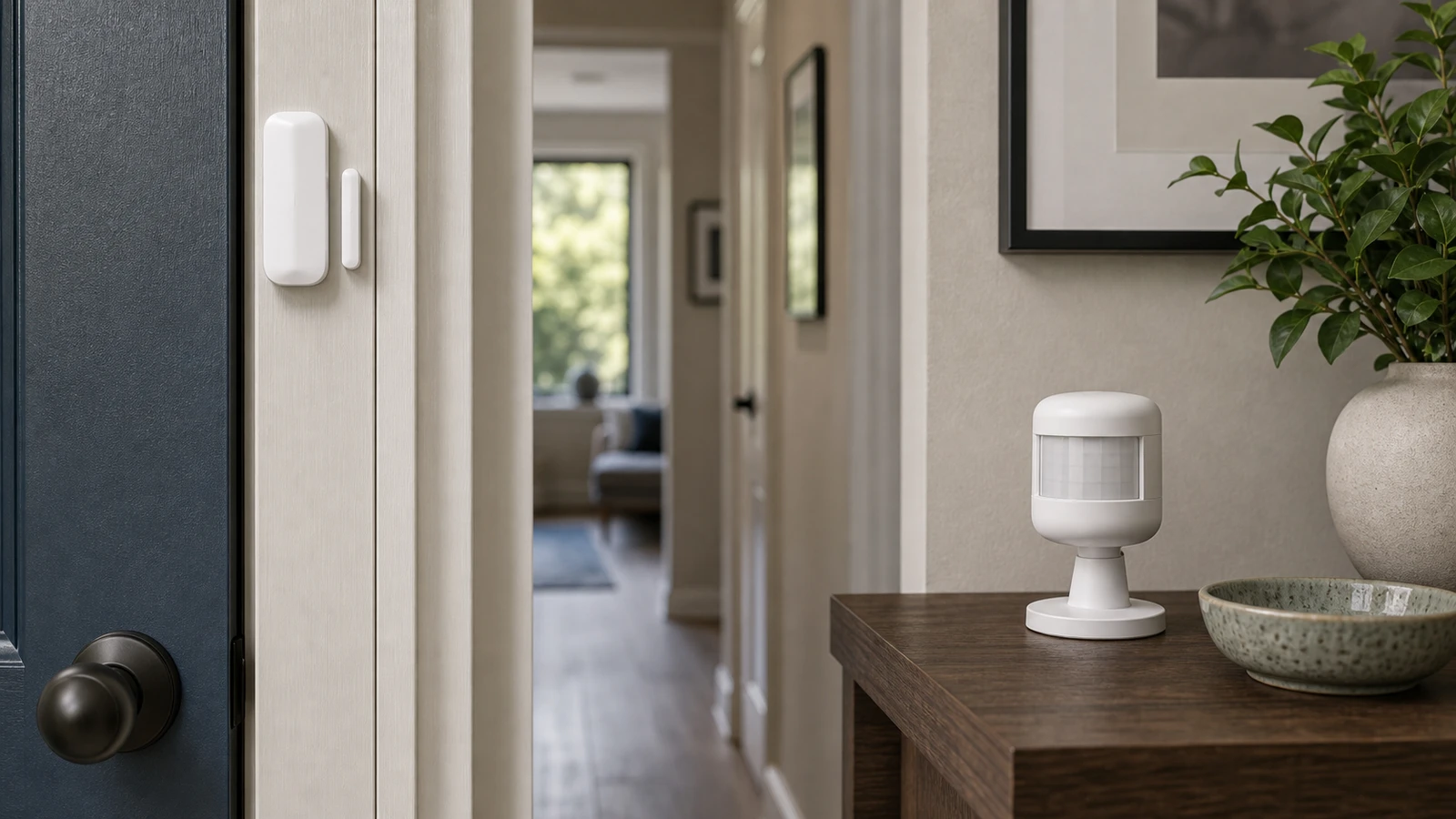
A contact sensor asks whether something opened. A motion sensor asks whether movement happened in an area. Many smart home mistakes come from using one to do the other’s job.
The simple difference
| Sensor | Best question | Good uses |
|---|---|---|
| Contact sensor | Is it open or closed? | Doors, windows, cabinets, gates |
| Motion sensor | Is something moving here? | Lights, hallways, rooms, path alerts |
If the question is binary, choose contact. If the question is area activity, choose motion.
Contact sensor examples
Use contact sensors for:
- Front door.
- Garage entry door.
- Window left open.
- Medicine cabinet.
- Mailbox.
- Freezer door.
- Gate.
They are usually more privacy-friendly than cameras and less ambiguous than motion sensors.
Motion sensor examples
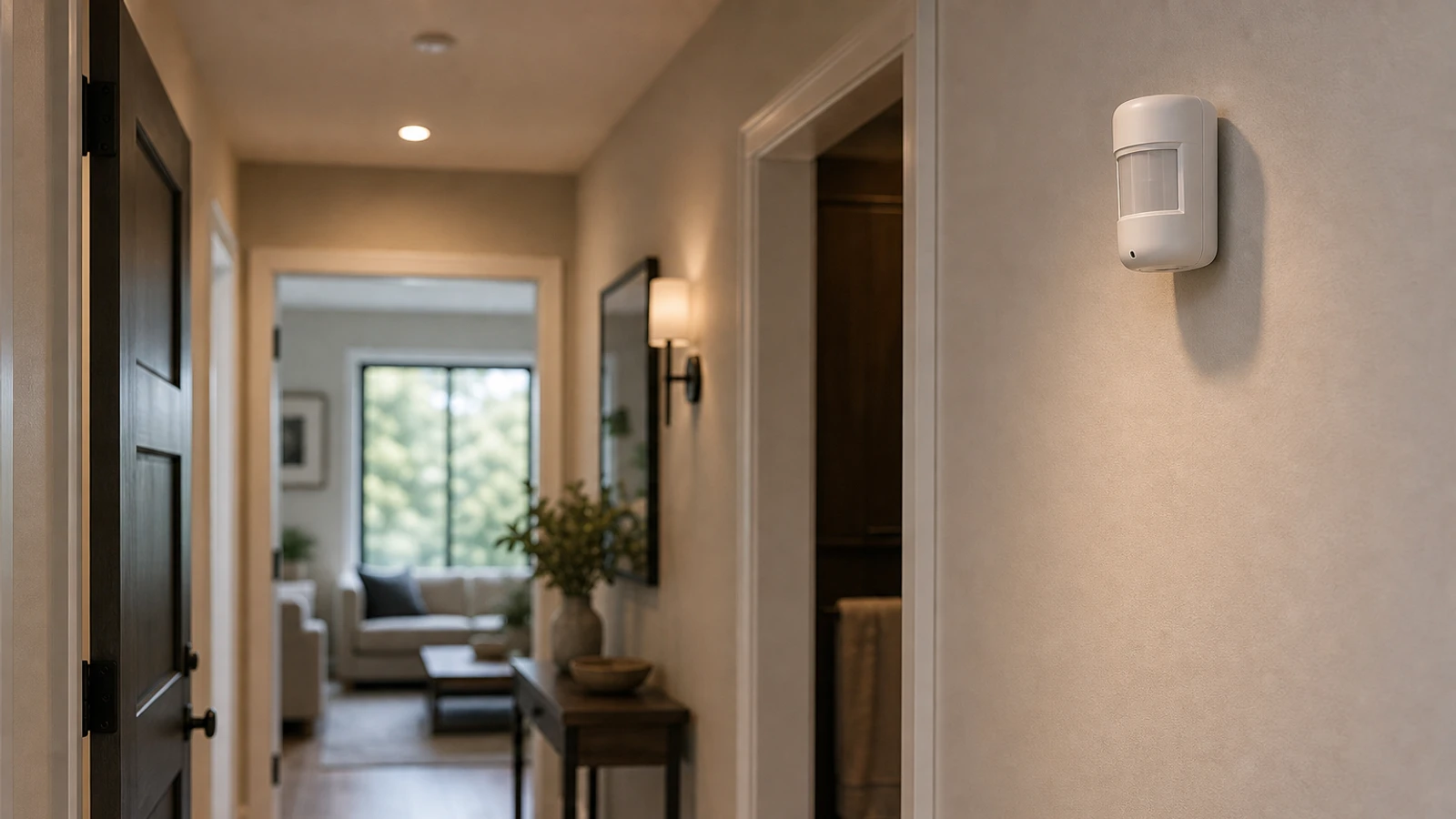
Use motion sensors for:
- Closet lighting.
- Night hallway lighting.
- Laundry room routines.
- Garage arrival lights.
- Bathroom path lighting.
- Room automation with timeout.
They are better for convenience than for knowing exactly what opened.
Combine them when the job needs context
Some routines need both:
- Door opened plus hallway motion.
- Garage door opened plus no motion for 10 minutes.
- Window open plus thermostat running.
- Cabinet opened plus nighttime schedule.
Start simple. Add the second sensor only when the first one leaves too much uncertainty.
Decision examples
For a front door, a contact sensor is the cleaner starting point because the important event is open or closed. Add motion only if you need context after the door opens, such as hallway path lighting.
For a closet, a contact sensor on the door is often better than motion. It is private, direct, and less likely to time out while someone is still standing still. For an open pantry with no door, motion may be the only practical option.
For a garage, contact sensors can tell whether a side door or freezer door is open, while motion can support arrival lighting. Do not treat either one as a full garage security system by itself.
For a bathroom, a motion sensor can support low-level night lighting, but it should not be used to infer sensitive behavior. If the routine can be solved with a door sensor or manual button, that may be the better privacy choice.
Reliability tradeoffs
Contact sensors are usually easier to reason about because the state is binary. The door is open or closed. The main failure modes are battery, signal, alignment, adhesive, or a door that does not close consistently.
Motion sensors have more environmental failure modes. Sunlight, heat, pets, moving curtains, fans, and placement angle can all affect results. They also need timeout settings, which means they can turn routines off too early or keep them on too long.
A practical buying sequence
Start with the sensor that answers the highest-confidence question. If you are tracking doors, windows, cabinets, gates, fridges, freezers, or mailboxes, start with contact. If you are turning on lights as people move through a space, start with motion. If neither signal is reliable enough, do not force a smart home answer; a button, timer, or ordinary switch may be more dependable.
Bottom line
The best sensor is the one that matches the question cleanly. Contact sensors are strongest when you care about a specific object changing state. Motion sensors are strongest when you care about activity in an area. Combining them is useful, but only after one sensor alone proves too ambiguous. Start with the simpler signal, then add context only when it solves a real failure in the room, door, or routine.
Sources and further reading
- FTC: Securing Your Internet-Connected Devices at Home
- CISA: Securing the Internet of Things
- NIST IR 8425: Consumer IoT cybersecurity baseline
- Related: Motion Sensor Placement Guide
Frequently asked questions
- Is a contact sensor better than a camera?
- For many door and window alerts, yes. A contact sensor gives a direct open/closed signal without recording video.
- Can a motion sensor tell if a room is occupied?
- Only imperfectly. Motion sensors detect movement, not true occupancy. A still person may not trigger motion.
Last updated May 12, 2026. See our editorial policy for methodology and corrections.
The Signal Brief
One useful dispatch each week.
One sharp take, three things worth reading, and the week's buying signals.