Smart Home
Motion Sensor Placement Guide: Rooms, Pets, and False Alerts
A practical guide to placing smart motion sensors for lights, alerts, routines, pets, hallways, bathrooms, and false-trigger reduction.
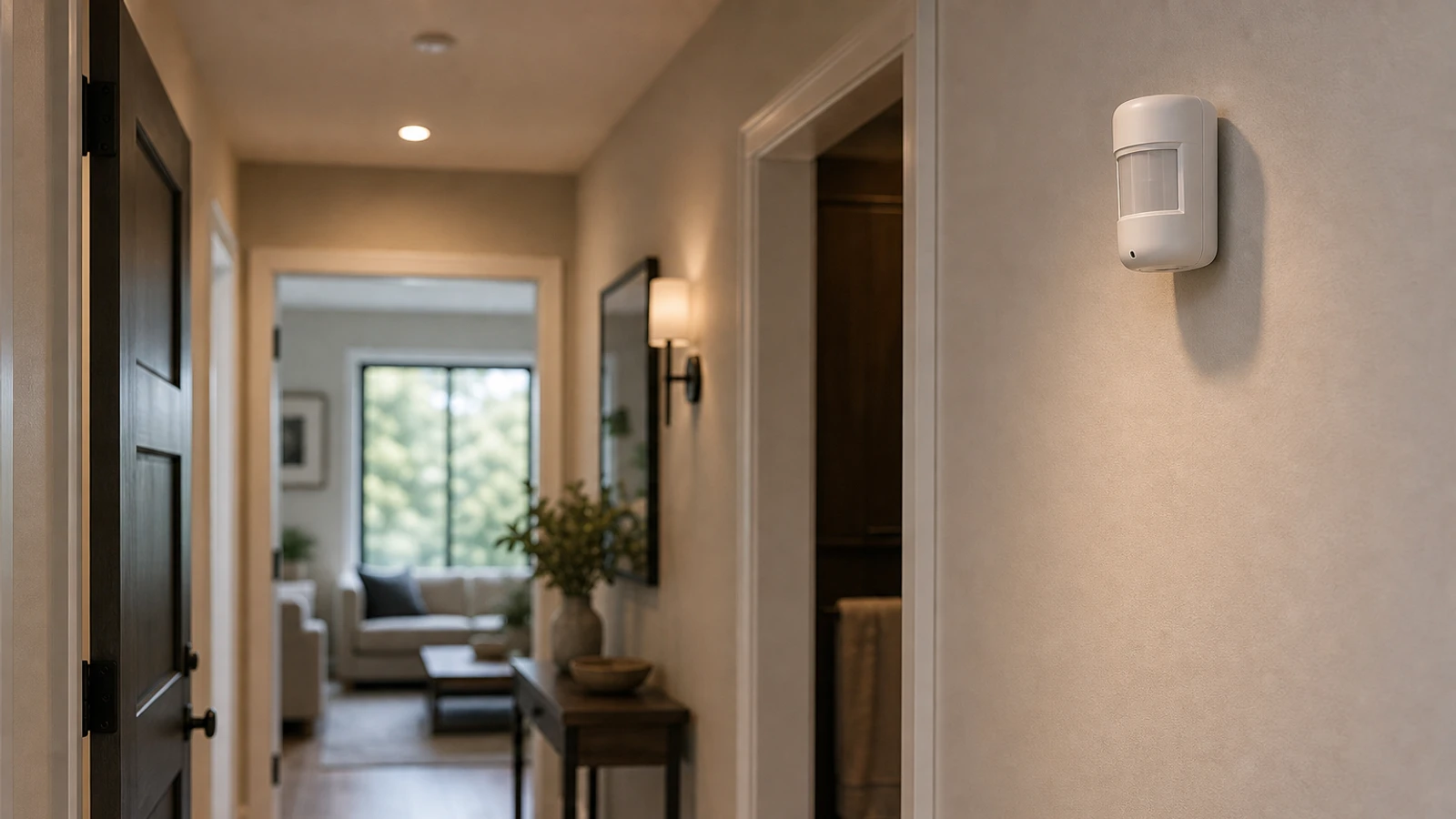
Motion sensors are better at noticing movement than understanding intent. Placement decides whether they feel useful or annoying. The best sensor is not always in the center of the room; it is where motion reliably means something.
Good first placements
Start with:
- Hallway path lighting.
- Closet light.
- Pantry light.
- Laundry room.
- Garage entry.
- Mudroom.
- Stair landing night light.
- Bathroom night path, not full-brightness overhead light.
These routines have a clear trigger and low privacy risk.
Avoid false triggers
Keep sensors away from:
- Direct sunlight.
- HVAC vents.
- Moving curtains.
- Reflective windows.
- Ceiling fans.
- Pet beds.
- Robot vacuum paths.
- Heat sources.
If the app has sensitivity settings, start moderate. Do not tune around a bad location if moving the sensor would solve the problem.
Pets and privacy
Pets can make motion sensors frustrating. Aim across human walking paths rather than at the floor where pets move. Some sensors offer pet-friendly settings, but test before trusting them.
For private rooms, ask whether a motion sensor is needed at all. A contact sensor on a closet door may be less invasive than motion detection inside a room.
How to test a location
Do not mount the sensor permanently on the first try. Use temporary tape, leave the automation in notification-only mode, and watch the pattern for a few days. A good test answers four questions:
- Does the sensor see a person early enough for the routine to feel useful?
- Does it miss slow movement, seated people, or small children?
- Does it trigger when nobody is using the area?
- Does the app show enough history to diagnose misses and false alerts?
For lighting, set the first timeout longer than you think you need. A closet can turn off quickly, but a bathroom, garage, or laundry room may need more grace. Short timeouts create the classic “light turns off while I am still there” problem because motion detection is not the same thing as true occupancy.
Placement by room type
In hallways, aim across the walking path so the sensor sees movement before the person reaches the dark spot. In closets and pantries, point at the doorway rather than deep into shelves where stored items may block the view. In garages, keep the sensor away from hot car engines, garage-door movement, and direct sun through windows.
For bathroom night lighting, use dim output and a generous timeout. The goal is safe navigation, not a full-brightness routine that wakes the household. For home offices, think carefully before using motion as a work presence signal; a still person at a desk may not move enough.
When another sensor is better
Use a contact sensor instead when the real question is whether something opened. Use a button when a person should intentionally request an action. Use a camera only when visual context is necessary and privacy tradeoffs are acceptable.
This distinction matters for reliability and for privacy. A motion sensor in a private room can feel more intrusive than a door contact sensor that simply knows open or closed.
Bottom line
A motion sensor should make a routine feel obvious, not mysterious. If people keep asking why a light turned on or off, the location, timeout, or sensor type probably needs revision. Start with reversible placement and keep the routine low-risk until the trigger pattern is proven. After a week, keep only the routines that feel predictable to the whole household, and remove automations that still surprise people.
Sources and further reading
- FTC: Securing Your Internet-Connected Devices at Home
- CISA: Securing the Internet of Things
- NIST IR 8425: Consumer IoT cybersecurity baseline
- Related: Contact Sensor vs Motion Sensor
Frequently asked questions
- Where should I put a motion sensor for lights?
- Put it where people naturally enter the area and where the sensor can see movement before the light is needed.
- Are motion sensors good for security?
- They can support alerts, but consumer motion sensors should not be treated as a complete security system by themselves.
Last updated May 12, 2026. See our editorial policy for methodology and corrections.
The Signal Brief
One useful dispatch each week.
One sharp take, three things worth reading, and the week's buying signals.