Smart Home
Samsung Wallet Digital Home Key: Smart Lock Buyer Guide
Samsung's Digital Home Key rolled out in March 2026. Here is what Galaxy and smart lock buyers need to verify before assuming it will work.
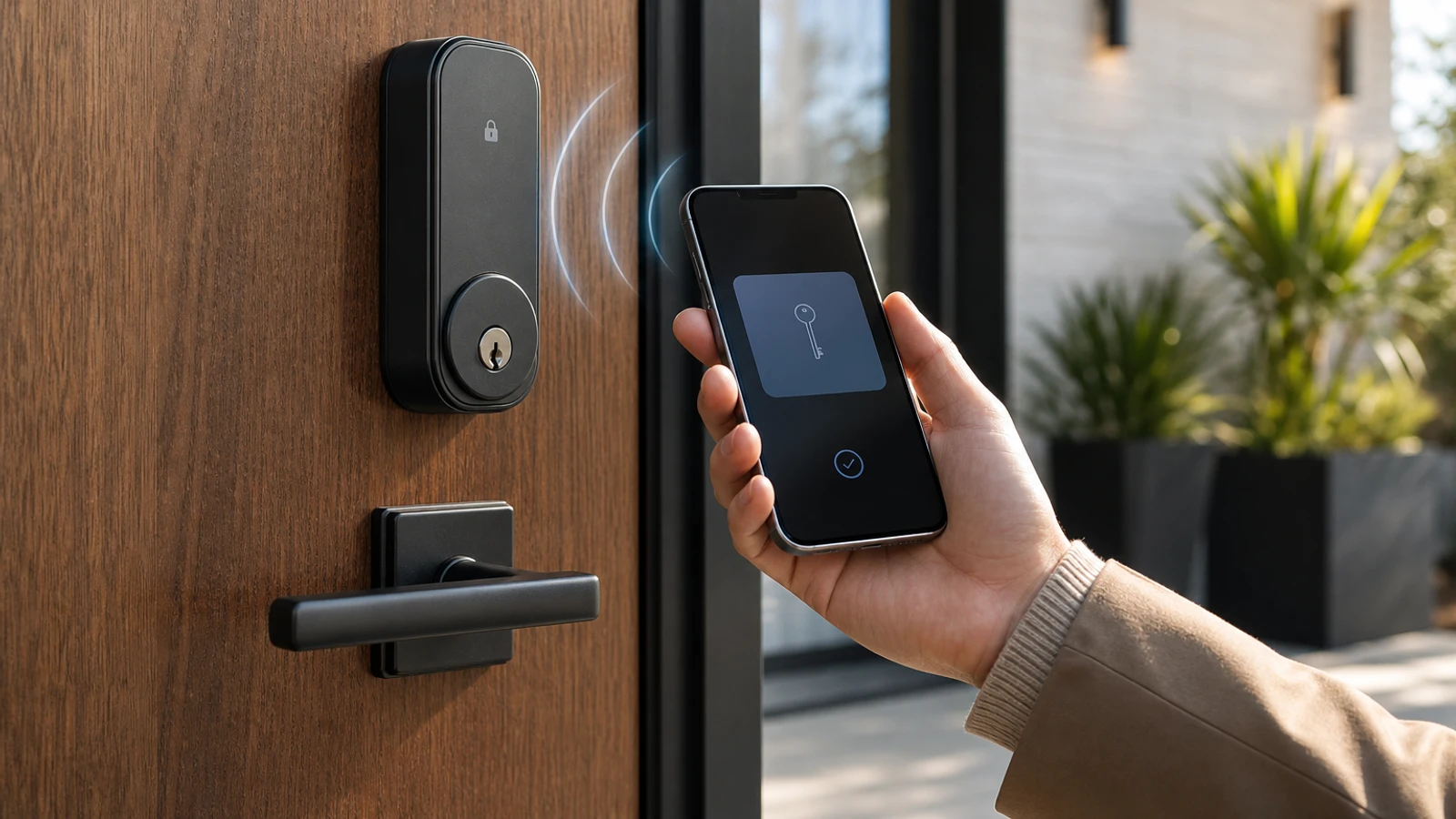
Phone-as-key promises are finally getting more concrete for Samsung users, but “supports Matter” is still not the same thing as “works with Samsung Wallet today.”
Samsung announced Digital Home Key on March 2, 2026 as a Samsung Wallet feature for compatible smart door locks. That is useful progress. It is not a blanket guarantee that every Matter lock, every Galaxy phone, and every region are ready right now.
The short version
Samsung says Digital Home Key:
- began rolling out in select regions in March 2026
- works after a compatible smart door lock is set up through SmartThings using Matter
- uses Aliro as the digital-key standard underneath the experience
- supports NFC on select devices and UWB hands-free access on select devices starting in April 2026
- still depends on each lock partner’s own rollout timeline, with compatibility varying by model and region
That last line is the one buyers should keep in focus.
What changed in March 2026
Before this launch, smart lock compatibility often meant juggling vendor apps, platform-specific wallet support, and a lot of “coming soon” language.
Samsung’s March 2026 announcement matters because it ties several layers together:
- Samsung Wallet for storing the home key
- SmartThings for device onboarding
- Matter for lock setup within the smart-home platform
- Aliro for the digital credential and access-control standard
This is more concrete than vague “future digital key support” marketing, but it still leaves real compatibility work for buyers.
Samsung’s April 21, 2026 Developer blog later highlighted Aliro-certified lock brands such as Aqara, Nuki, ULTRALOQ, and Schlage. That is a helpful rollout signal, but it is not the same thing as a universal compatibility list for every model or region.
What buyers need before it actually works
1. A compatible smart lock model
Samsung’s announcement does not say every Matter smart lock is already ready. It says compatible locks will roll out according to each partner’s timeline and that support can vary by model and region.
That means you should verify the exact lock model, not just the brand.
2. SmartThings onboarding through Matter
Samsung says the lock must be set up through SmartThings using Matter before you can add a Digital Home Key to Samsung Wallet.
If a lock works in SmartThings another way, that does not automatically prove the Wallet-based home-key flow is live.
3. A compatible Galaxy device
Samsung says NFC support is available on select devices, and UWB support is available on select devices starting in April 2026.
If you care specifically about hands-free unlocking, do not assume your Galaxy phone supports the same behavior as a simple tap-to-unlock workflow.
What Samsung says you can do
Depending on the device and lock capabilities, Samsung says users can unlock their door by:
- tapping with NFC
- using UWB proximity for hands-free access
- using the app
Samsung also says the key is stored on-device in Samsung Wallet, protected by Samsung Knox, and can be managed or removed through Samsung Find if a phone is misplaced.
Those are useful security features, but they do not replace normal lock-buying checks such as backup entry, account recovery, and household access planning.
What this still does not guarantee
Even after Samsung’s March rollout, Digital Home Key does not automatically guarantee:
- that your preferred lock is available in your country yet
- that your exact Galaxy phone supports the unlock mode you want
- that guest access and household sharing behave the same across brands
- that a dead phone, lost phone, or SmartThings issue leaves you with an easy fallback path
- that every Matter lock listing already includes live Samsung Wallet support
In other words, this is a real product step, not universal smart-lock simplicity.
The buyer checklist
Before paying extra for “Wallet” or “digital home key” claims, verify these in order:
- Exact lock model support Check the lock maker’s current documentation, not just the Samsung press release.
- Regional availability Samsung says rollout varies by region.
- Unlock method Decide whether you need NFC tap, UWB hands-free access, or both.
- Galaxy device compatibility Samsung says NFC and UWB support depend on select devices.
- Fallback entry Confirm whether the lock still gives you a keypad, physical key, local admin method, or other backup path.
- Household management Check how keys are shared, revoked, and recovered if a device is replaced or lost.
When buying now may make sense, and when waiting may reduce risk
Buying now may make sense if:
- you already want a lock that explicitly documents Samsung Wallet Digital Home Key support
- your region is included
- tap-to-unlock or hands-free entry is a clear day-to-day upgrade for your household
Waiting may reduce risk if:
- the product page only hints at future support
- you care about a very specific lock-plus-phone combination and the current documentation is fuzzy
- your main reason for buying is cross-platform digital key portability rather than the lock itself
The practical stance is to treat Samsung’s launch as a meaningful rollout signal, not as proof that every Galaxy user can now ignore model-by-model verification.
Sources and further reading
- Samsung: Digital Home Key launch announcement
- Samsung Developer: Your Galaxy Is Your New Front Door Key
- Samsung SmartThings: compatibility requirements and platform overview
- CSA: Introducing Aliro 1.0
- Related: Aliro 1.0: What It Means Before You Buy a Smart Lock and Smart Lock Buying Checklist
Frequently asked questions
- Does Matter support mean a lock automatically works with Samsung Wallet Digital Home Key?
- No. Samsung says a compatible lock must be set up through SmartThings using Matter, and compatibility still varies by model and region.
- Does every Galaxy phone support hands-free unlocking?
- No. Samsung says NFC and UWB support are available on select devices, and UWB support begins on select devices starting in April 2026.
- If my phone is lost, do I lose control of the home key?
- Samsung says Digital Home Keys can be managed or removed through Samsung Find, and Samsung Wallet uses biometric or PIN authentication for key use and management.
Last updated May 27, 2026. This article is general buying and access-planning information, not legal, locksmith, insurance, or emergency-entry advice. Re-check live lock-model support, Galaxy device compatibility, and regional availability before publication because partner rollout details can change. See our editorial policy for methodology and corrections.
The Signal Brief
One useful dispatch each week.
One sharp take, three things worth reading, and the week's buying signals.