Smart Home
TP-Link Tapo Setup Security Advisory: What Owners Should Do
TP-Link says some Tapo devices used cleartext Bluetooth during setup. Check affected models, firmware paths, and safer reset habits.
Last updated June 2, 2026. Source check: TP-Link’s May 28, 2026 advisory and linked product support pages were reviewed for this draft on the date above.
If you use Tapo gear that talks over Bluetooth during first-time setup, this is not a “patch it whenever” note.
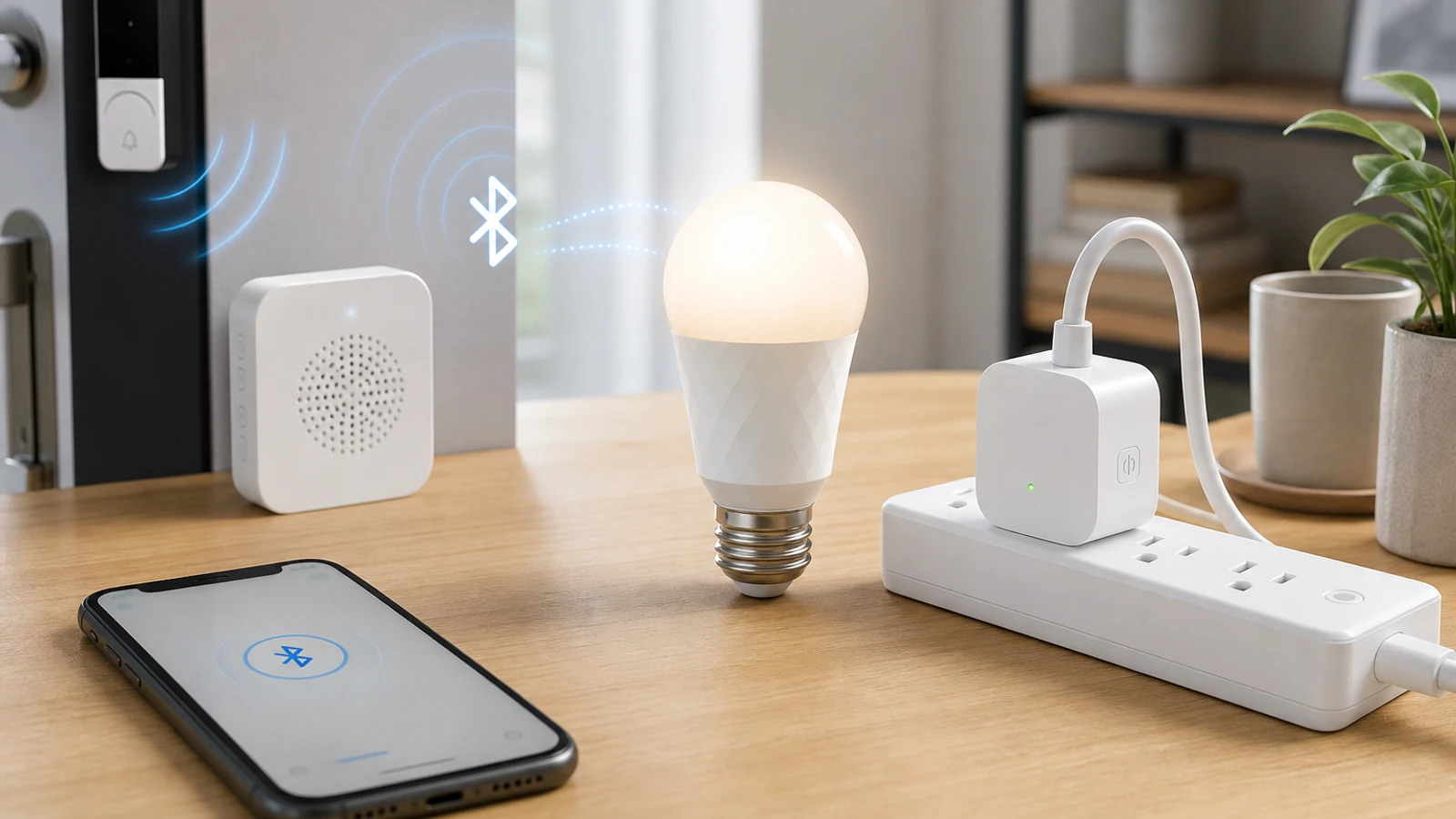
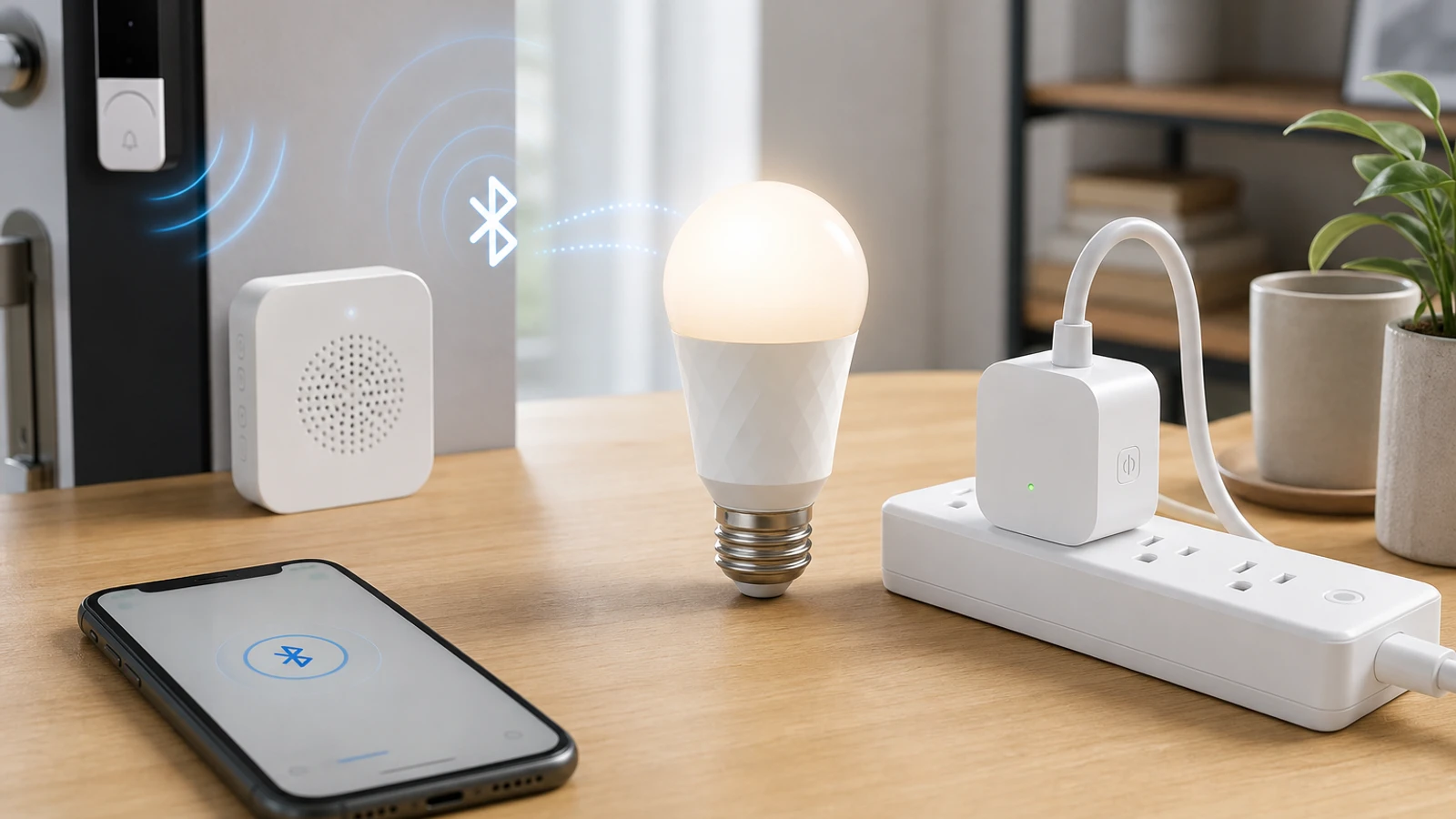
TP-Link published a security advisory on May 28, 2026 saying some Tapo devices sent Bluetooth setup traffic in cleartext during the initial setup phase. TP-Link says Bluetooth is used only during initialization, but the company also says an attacker within Bluetooth range could sniff or manipulate that traffic and potentially gain unauthorized control during setup.
The short version
TP-Link’s advisory says:
- the issue is CVE-2026-34126
- the affected behavior happens during initial Bluetooth setup
- the listed products are Tapo L535E, Tapo P300, and Tapo D100C
- the severity is CVSS v4.0 7.3 / High
- affected owners should update to the listed fixed firmware versions
For most households, the practical takeaway is simple: if you own one of the listed models, update first and avoid doing first-time setup in a public or shared environment.
Which Tapo devices TP-Link lists
TP-Link’s advisory names these affected devices and fixed versions:
| Product | Hardware version | Region | Fixed firmware |
|---|---|---|---|
| Tapo L535E | v3.0 | EU / US | 1.4.1 Build 251016 Rel.204554 |
| Tapo L535E | v1.0 | JP | 1.4.1 Build 251016 Rel.204554 |
| Tapo P300 | v1.0 | EU | 1.4.2 Build 251219 Rel.142654 |
| Tapo P300 | v1.0 | JP | 1.4.0 Build 260416 Rel.014037 |
| Tapo D100C | v1.0 | EU / JP / US | 1.3.1 Build 260421 Rel.031658 |
TP-Link also notes that D100C is the chime bundled with certain Tapo door camera products, including D130, D210, D235, D225, TD21, TDB21, and TD25.
That matters because some owners may think only the camera matters and forget to check the bundled chime.
Why the setup phase still matters
It is tempting to dismiss this because TP-Link says Bluetooth is only used during initialization.
That can understate the practical risk.
Setup is exactly when a new device receives trust decisions, account linkage, and local configuration. If that traffic can be read or manipulated by someone within Bluetooth range, the risk is concentrated at a very sensitive moment rather than spread across everyday use.
For a home user, the right question is not “Does this happen all the time?” The right question is “Was this device set up, reset, or re-paired on vulnerable firmware?”
The owner checklist
1. Identify the exact product and hardware version
Do not stop at “I have a Tapo light” or “I have a Tapo camera.”
Confirm:
- the exact model
- the hardware revision
- the current firmware version
The advisory is model- and region-specific.
2. If you have a compatible door camera, check the chime too
If your setup includes a D100C chime paired with a supported Tapo door camera, check that accessory explicitly in the Tapo app.
TP-Link’s advisory gives a separate instruction for D100C owners:
- open the Tapo app
- select the chime in the device list
- open Settings
- tap Firmware Update
3. Compare your firmware against TP-Link’s fixed baseline
Treat the device as affected if the installed firmware is older than the fixed version TP-Link lists for your product and region.
If the app does not make the version obvious, use TP-Link’s linked download or support page rather than guessing from product-box claims or store listings.
4. Be cautious with resets and re-pairing until updated
Even if the device is already in use, a reset or fresh setup can put you back into the vulnerable initialization flow.
Until the firmware is updated, avoid doing setup in places where unknown people could be within Bluetooth range, such as:
- shared offices
- apartment common areas
- retail demo environments
- temporary installs for events or rentals
This is not a reason to panic, but it is a reason to avoid casual re-pairing on older firmware until the update is confirmed.
5. Re-run setup only after patching if you were planning a reinstall
If you were about to:
- move the device to a new home
- hand it to another family member
- reset it after troubleshooting
update first, then reinitialize.
That order reduces the chance of repeating the insecure setup window.
What this advisory does not mean
This advisory does not automatically mean:
- every Tapo device is affected
- the device is unsafe forever after setup
- a Wi-Fi password leak is confirmed
- all Tapo cameras, plugs, or bulbs need replacement
It means TP-Link found a setup-phase Bluetooth weakness in the specific listed models and published fixed firmware.
That makes this a targeted patch-and-verify job, not a blanket condemnation of the whole Tapo catalog.
When replacement is not the first answer
Because TP-Link published fixed firmware, replacement is usually not the first step for these listed products.
Replacement starts becoming more reasonable only if:
- your exact model cannot receive the listed fixed firmware
- the app no longer manages updates reliably
- you cannot verify firmware state confidently
- you are done tolerating devices with weak update visibility
For most owners, updating and documenting the new firmware version is the right first move.
Sources and further reading
- TP-Link advisory: CVE-2026-34126 on Tapo L535E, P300, and D100C
- Related: Smart Camera Privacy Settings Checklist and Smart Home Guest Network Guide
Frequently asked questions
- Does this affect all Tapo products?
- No. TP-Link's May 28, 2026 advisory lists specific products and hardware versions only: Tapo L535E, Tapo P300, and Tapo D100C.
- If my device already finished setup long ago, can I ignore this?
- Not automatically. TP-Link says the issue exists during initialization, so the risk matters again if you reset, re-pair, or freshly configure the device on older firmware.
- Why does the D100C matter if it is just the chime?
- Because TP-Link specifically lists D100C v1.0 as affected and says it is bundled with several Tapo door camera products. Owners should update the chime itself in the Tapo app.
Last updated June 2, 2026. This article summarizes TP-Link’s published security guidance, not incident-response, legal, privacy, or insurance advice. Re-check TP-Link’s live advisory and product support pages before acting because regional firmware branches and remediation notes can change. See our editorial policy for methodology and corrections.
The Signal Brief
One useful dispatch each week.
One sharp take, three things worth reading, and the week's buying signals.