Smart Home
Smart Lock Buying Checklist: What to Check Before You Install
A practical smart lock checklist for deadbolt fit, backup keys, batteries, guest codes, connectivity, renters, updates, and failure modes.
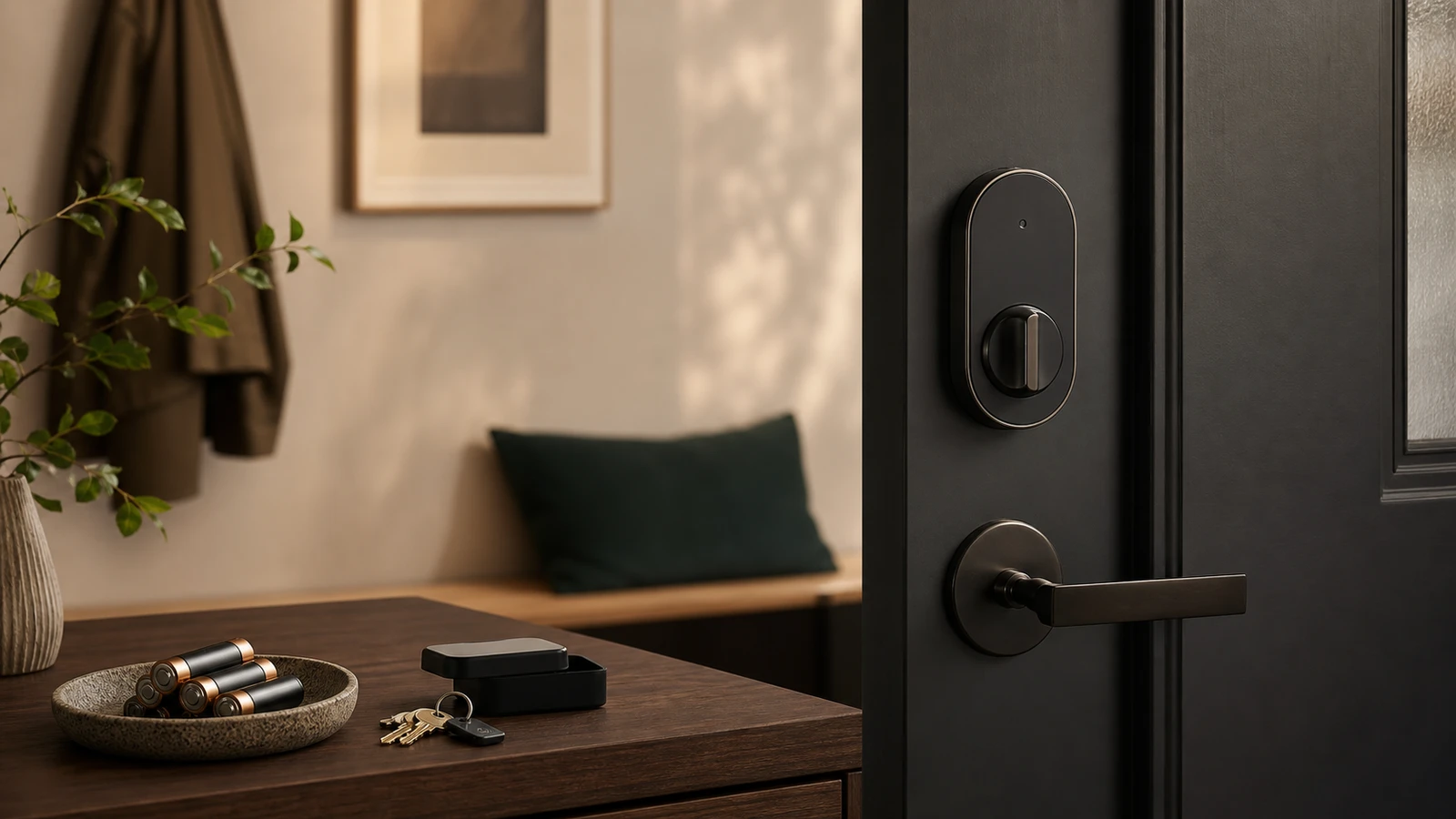
A smart lock changes a real entry point. That makes it different from a smart bulb or plug. The buying decision should start with the door, the existing deadbolt, backup access, software support, and how the household actually enters the home.
Start with the door
Check:
- Deadbolt type.
- Door thickness.
- Backset.
- Strike plate alignment.
- Whether the bolt moves smoothly by hand.
- Whether the door swells in humidity.
- Whether the lock is allowed by a lease, HOA, or building rule.
If the current deadbolt sticks, a smart motor may struggle. Fix the mechanical door problem before adding electronics.
Choose the lock style
Common styles:
- Retrofit interior turner: keeps the exterior key cylinder and replaces the inside thumb turn.
- Keypad deadbolt: replaces more hardware and adds code entry.
- Lever lock: useful for some interior doors, not every exterior door.
- Smart lock plus bridge: uses Bluetooth or another protocol locally, then a bridge for remote access.
The safest choice is often the one with a clear physical backup and simple household operation.
Account and code controls
Look for:
- Unique codes per person.
- Temporary guest codes.
- Code expiration.
- Activity history.
- Two-factor authentication on the account.
- Easy removal of old users.
- A way to disable remote unlock if you do not need it.
Do not share one permanent code with everyone. Codes are useful because they can be changed without rekeying the lock.
Update and support questions
The FTC has warned that many smart product pages do not clearly say how long software updates will be provided. For a smart lock, that matters because the device controls access.
Before buying, look for:
- Firmware update history.
- Security update policy.
- App support window.
- Battery replacement instructions.
- What happens if the company cloud service changes.
- Whether the lock still works locally without internet.
If support information is impossible to find, treat that as a risk.
Backup access plan
Before installing, decide how everyone gets in when the normal path fails. A phone can be dead, a battery can be low, a keypad can stop responding, Wi-Fi can be down, or a cloud service can have an outage. The backup path should be clear before the old lock comes off the door.
Common backup options include:
- physical key
- keypad code
- temporary code
- fingerprint plus code
- external battery jump contacts
- a trusted local person with access
Do not choose a lock only because the app looks clean. Choose it because the household can still enter safely under predictable failure modes.
Installation risk checklist
Smart locks are picky about mechanical alignment. Before blaming the motor, check whether the bolt slides smoothly with the door open and closed. A door that rubs the frame, shifts with weather, or needs pulling to latch can drain batteries and cause failed lock events.
If the lock is for a rental, shared building, exterior gate, or fire-egress path, get approval before installation. Convenience should not create a rule or safety problem.
Managing codes over time
Use unique codes for each person where possible. That makes access review cleaner because you can remove one person’s code without changing the whole household. Avoid memorable shared codes tied to addresses, birthdays, or phone numbers.
Set a review schedule for codes. Remove contractors, guests, old roommates, and temporary users. If the app supports history, check whether events look normal and whether unknown users appear.
When a regular lock is better
Use a normal deadbolt when the door is poorly aligned, the household will not manage batteries and codes, the lease is unclear, or remote access is not needed. A reliable mechanical lock can be the better security decision than a smart lock maintained badly.
Sources and further reading
- FTC: Smart products and software update support
- FTC: Securing Your Internet-Connected Devices at Home
- NIST IR 8425: Consumer IoT cybersecurity baseline
- Related: Matter vs Thread vs Zigbee
Frequently asked questions
- Are smart locks safer than regular locks?
- Not automatically. A smart lock can improve code management and convenience, but it also adds batteries, software, accounts, and connectivity. Mechanical fit still matters.
- Should renters install smart locks?
- Only if the lease, landlord, and building rules allow it. Many renters should use removable devices or avoid changing entry hardware.
Last updated May 12, 2026. See our editorial policy for methodology and corrections.
The Signal Brief
One useful dispatch each week.
One sharp take, three things worth reading, and the week's buying signals.