Smart Home
Smart Button and Scene Controller Guide
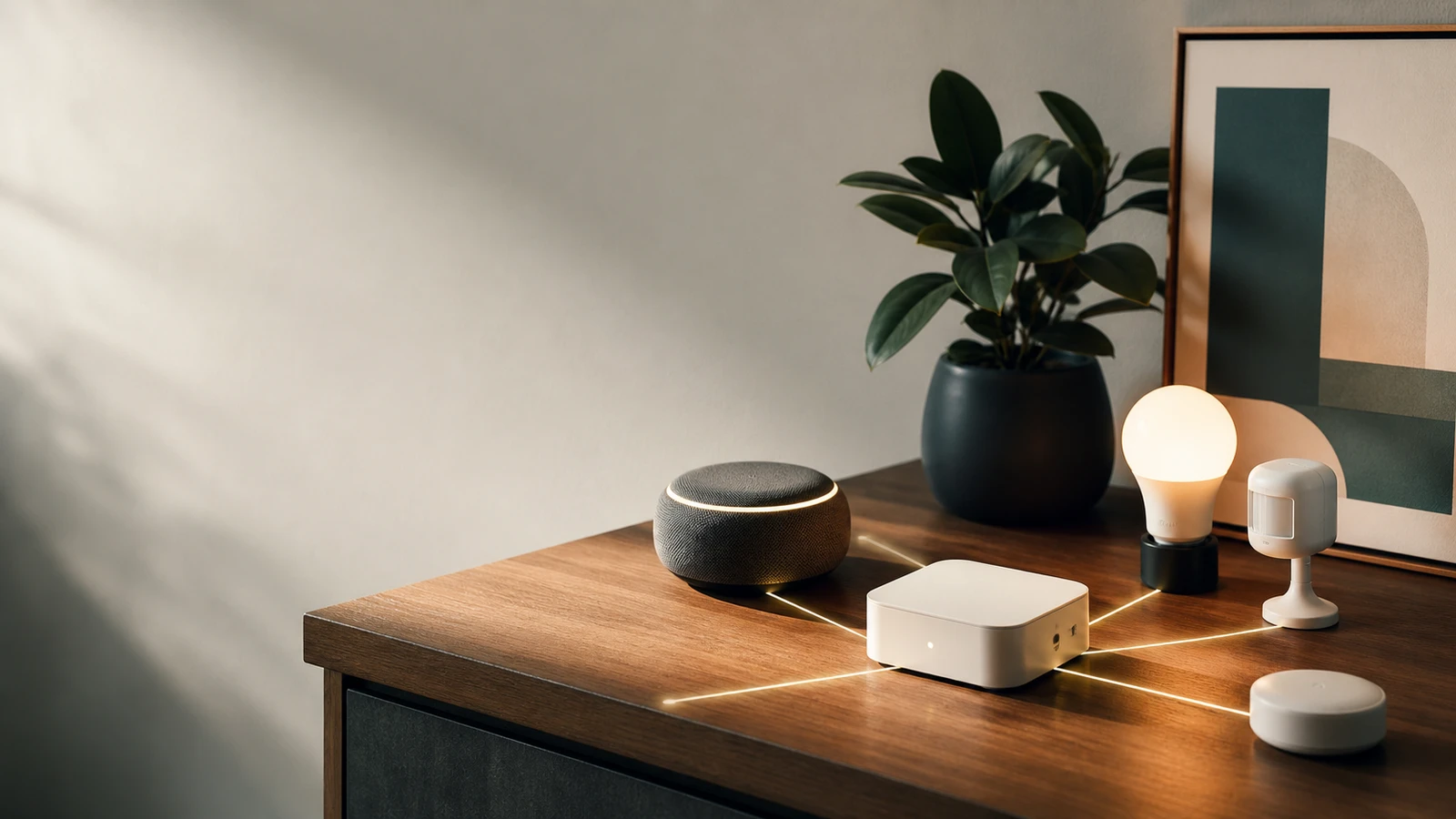
Smart buttons and scene controllers can make a smart home easier to use when voice commands and app screens are too slow.
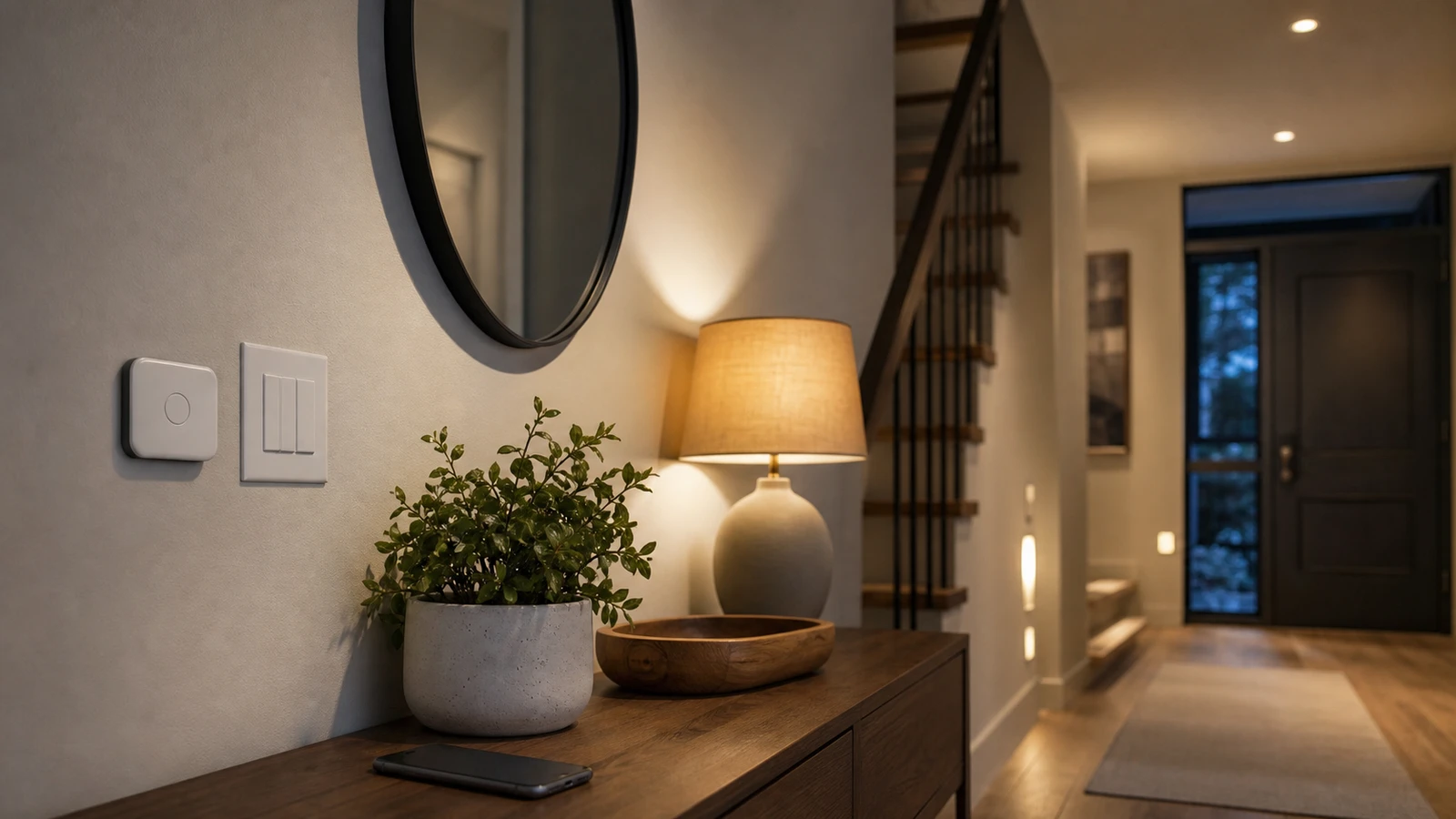
Voice control is useful until someone is asleep, the room is noisy, the speaker misunderstands, or a guest does not know the command. App control is useful until the phone is in another room.
Smart buttons and scene controllers solve a simple problem: they give smart home routines a physical control.
What a smart button can do
A button or scene controller can trigger:
- One light.
- A lighting scene.
- Multiple rooms off.
- Music or quiet mode.
- A fan or plug.
- A bedtime routine.
- A guest-friendly “all lights” control.
The best button routines are simple and obvious.
Where buttons beat voice
Physical controls are better when:
- Guests need to use the room.
- A child or older adult should not need an app.
- Voice commands would wake someone.
- The room is loud.
- You want one action without a conversation.
- The routine controls privacy, lights, or safety-adjacent devices.
Buttons also reduce the feeling that every basic action requires a phone.
Protocol and hub checks
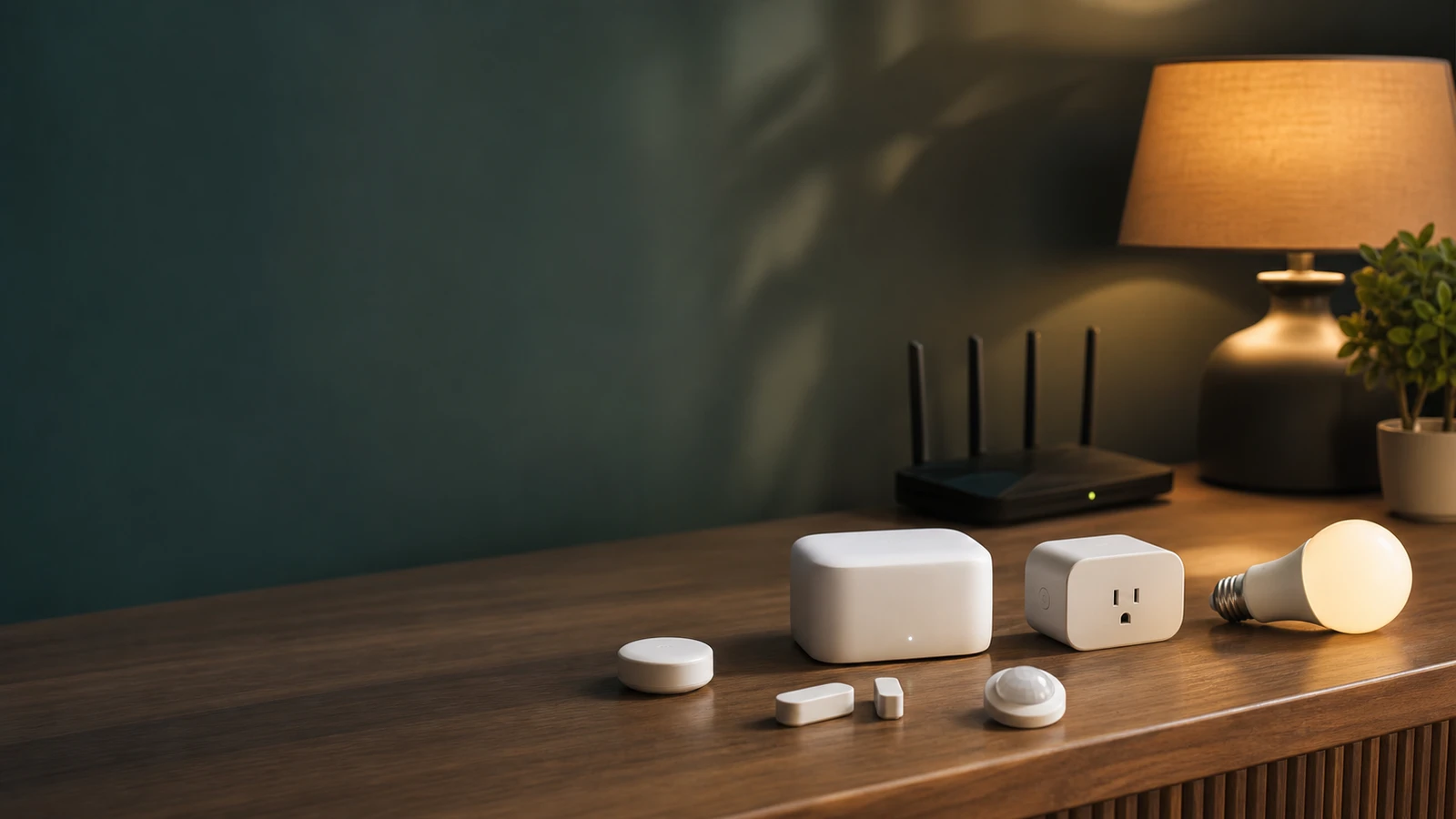
Before buying, check whether the button uses:
- Matter.
- Thread.
- Zigbee.
- Bluetooth.
- Wi-Fi.
- A brand-specific bridge.
Also check whether the button supports single press, double press, long press, and multi-button scenes. Extra gestures are useful only if people can remember them.
Good routines for buttons
Start with:
- Entryway: turn on hall and living room lights.
- Bedroom: turn off common-area lights.
- Office: start focus lighting.
- Living room: movie scene.
- Kitchen: night light level.
- Guest room: lamp and fan control.
Avoid putting hidden security-critical actions on unlabeled multi-press patterns.
Label the routine, not the technology
A good button should be obvious to the next person who uses the room. “Movie” is clearer than “Scene 3.” “All off” is clearer than “Automation shortcut.” If the controller has several buttons, label the physical plate or keep the routine simple enough that a guest can guess correctly.
This matters because smart homes often fail socially before they fail technically. If only one person understands the app, everyone else keeps using wall switches, unplugging devices, or ignoring the routine.
Keep high-risk actions boring
Use buttons freely for lights, fans, lamps, scenes, and convenience routines. Be more conservative with actions that unlock, open, disable, record, or change safety-adjacent behavior. A hidden double press that opens a garage door may be clever during setup and confusing later.
For access or security-related actions, prefer a named app flow, keypad, or dedicated control with clear history. If a physical button controls something sensitive, put it where accidental presses are unlikely and make sure every admin understands it.
Troubleshooting before replacing hardware
If a button feels unreliable, check the simple things first:
- battery level
- distance to hub or border router
- whether automations are cloud-based
- whether the device sleeps aggressively
- whether double-press timing is too strict
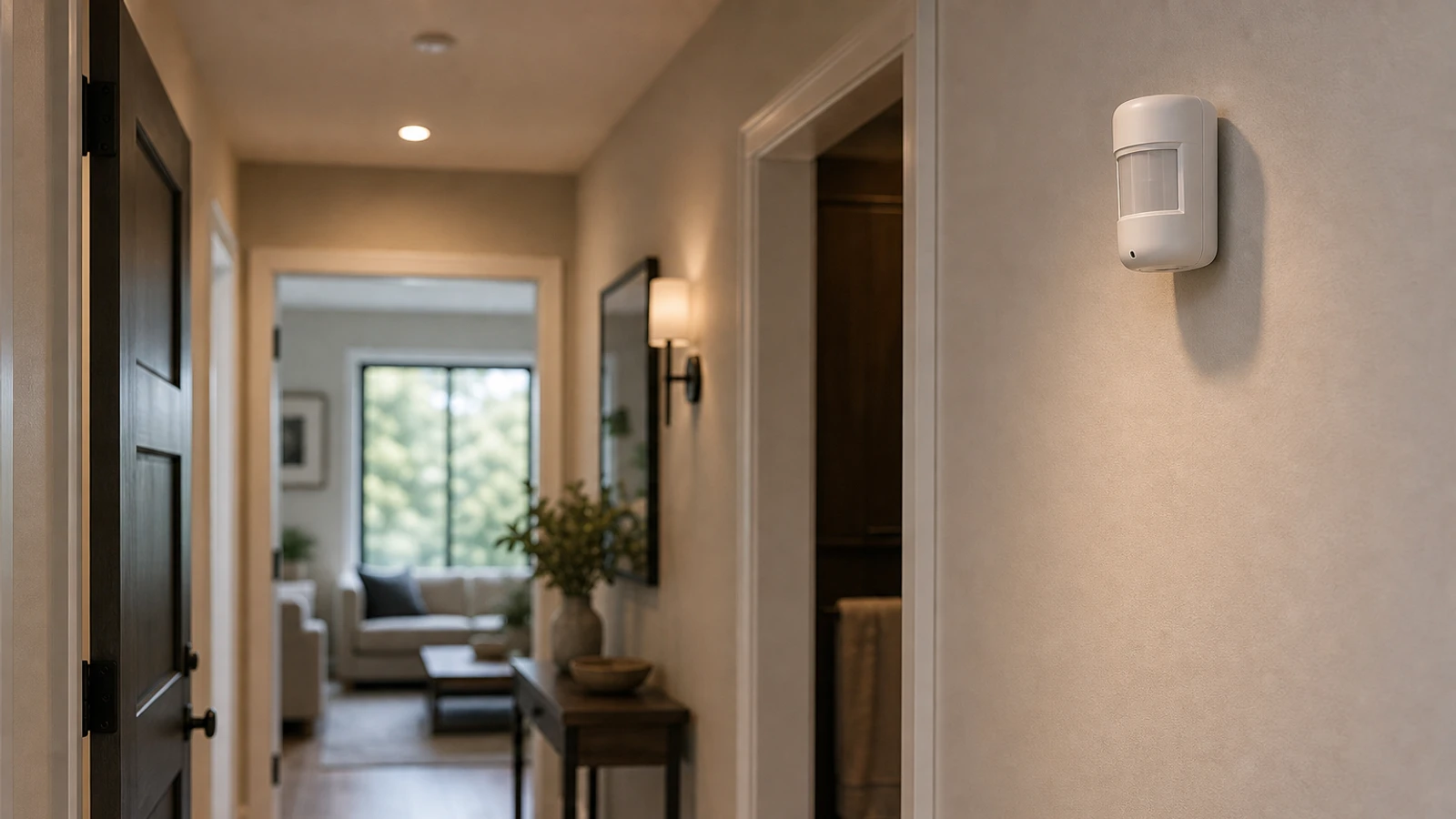
- whether the button is mounted on metal or behind dense material
Many “bad button” problems are actually weak signal, confusing gestures, or an automation that depends on a slow cloud round trip.
When to skip the button
Skip a smart button when a normal wall switch already solves the problem, when the routine is used once a month, or when the action needs a visible status screen. Physical controls are best for repeated, low-ambiguity routines.
Bottom line
Good smart buttons make the home easier for everyone, not only for the person who built the automations. Keep the first routines simple, label them plainly, and avoid hiding important access or security actions behind gestures that are easy to forget. If a guest cannot understand the control, the routine is too clever for daily use.
Sources and further reading
- NIST IR 8425: Profile of the IoT Core Baseline for Consumer IoT Products
- FTC: Securing Your Internet-Connected Devices at Home
- Connectivity Standards Alliance: Matter
- Related: Matter vs Thread vs Zigbee
Frequently asked questions
- Do smart buttons need a hub?
- Many do. Zigbee, Thread, and some Matter setups usually need a compatible hub or border router. Wi-Fi buttons may not.
- Are smart buttons worth it?
- They are worth it when a routine is used often and should be available without a phone or voice command.
Last updated May 12, 2026. See our editorial policy for methodology and corrections.
The Signal Brief
One useful dispatch each week.
One sharp take, three things worth reading, and the week's buying signals.