Smart Home
Smart Home Moving Checklist: Reset Devices Before You Leave
Before moving, reset cameras, locks, speakers, hubs, thermostats, and accounts so privacy and access do not follow the house.
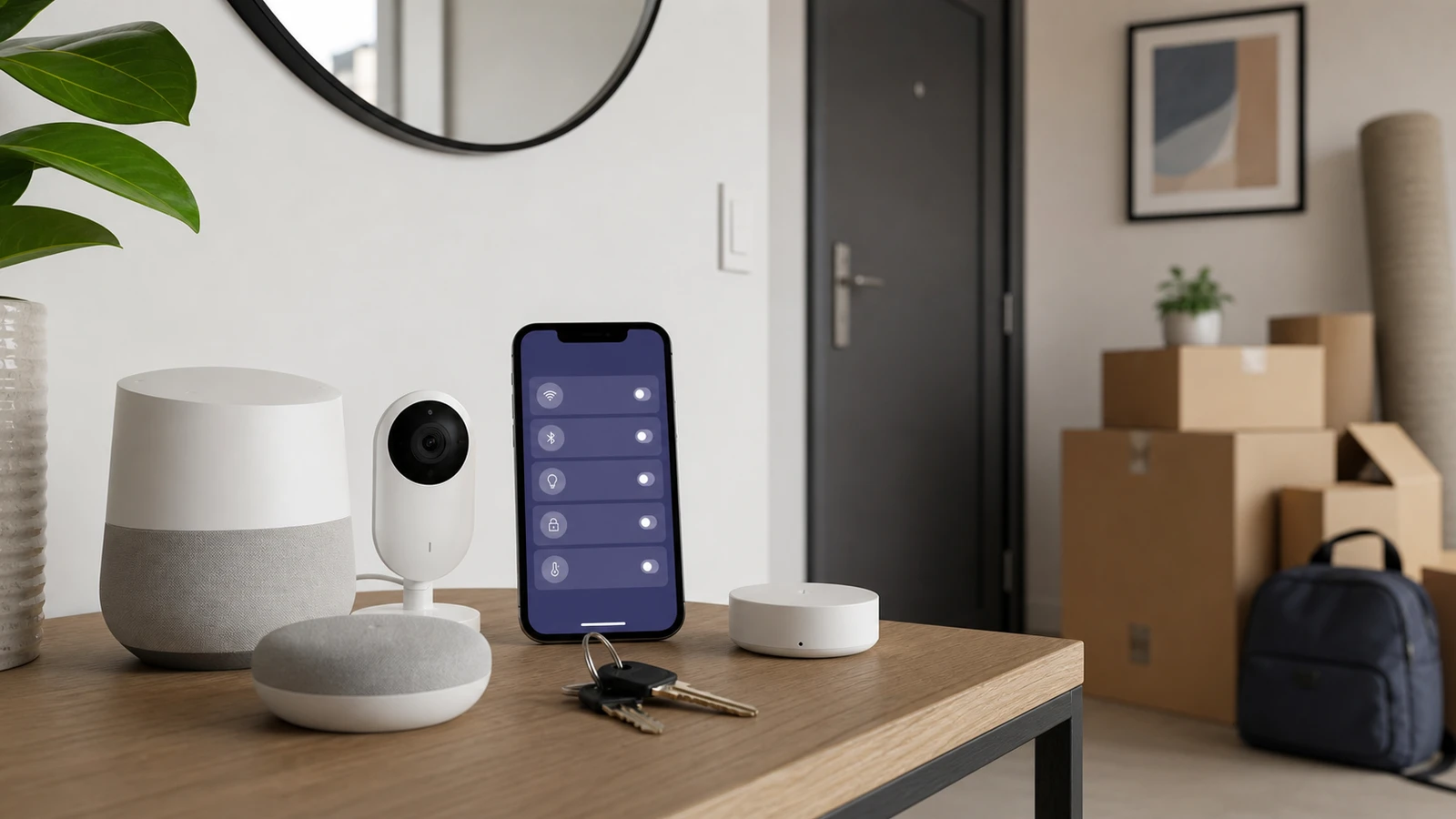
Smart home devices can quietly keep access, recordings, routines, and account links after you move. Cameras, locks, hubs, thermostats, speakers, garage controllers, and doorbells deserve a reset plan before keys change hands.
The goal is simple: the next resident should not have your data, and you should not retain access to someone else’s home.
Decide what stays
Make a device list:
- Doorbells.
- Cameras.
- Locks and keypads.
- Thermostats.
- Smoke or CO alarms.
- Speakers and displays.
- Hubs and bridges.
- Garage door controllers.
- Smart switches and bulbs.
- Irrigation controllers.
- Leak sensors.
Mark each one as take, leave, or remove and replace.
Reset devices you leave
For devices that stay with the home:
- Remove personal users and guests.
- Delete stored recordings where appropriate.
- Remove payment methods.
- Transfer ownership only if the platform supports it safely.
- Factory reset devices that should start fresh.
- Leave basic manuals or model numbers for the next owner.
Do not leave a device half-linked to your account because setup was annoying.
Remove devices you take
For devices you take:
- Remove them from old automations.
- Delete old room names and addresses.
- Wipe location history if the app supports it.
- Remove old Wi-Fi credentials.
- Check whether the device still appears in voice assistant apps.
Voice assistants and hubs often retain device names after the device is gone.
Cameras, locks, and garage doors need extra care
Prioritize anything that sees, hears, unlocks, or opens:
- Delete camera access for old users.
- Remove door lock codes.
- Remove garage access.
- Disable routines that open doors or change locks.
- Confirm that no old phone can still control the home.
One week before moving
Do the account work before boxes take over the house:
- Export or save any footage, codes, or device notes you are allowed to keep.
- Remove guests, contractors, pet sitters, and old household members.
- Turn off automations tied to the old address.
- Write down which devices will stay with the property.
- Confirm whether each staying device supports ownership transfer or needs a factory reset.
Do not wait until closing day to discover that a hub requires a password, QR code, or physical reset button hidden behind furniture.
Moving day checklist
On the day access changes, focus on devices that affect privacy and entry:
- disable or remove camera sharing
- delete lock and garage codes that should not transfer
- remove voice assistant profiles
- unlink thermostats from your account if they stay
- factory reset hubs and bridges that the next resident will configure
- remove old Wi-Fi credentials from devices you take
If a device must remain working for the next resident, leave manufacturer model numbers and setup notes, not your personal account.
After the move
Open your major smart home apps from the new address and look for old devices. Remove the previous home, stale room names, unused integrations, and old automations. Check voice assistants too; they often retain device names even after the device disappears from the original app.
Also review cloud storage and subscription plans. A camera plan or monitoring plan can keep billing after the hardware is gone.
If you move into a smart home
Assume nothing is clean until you reset it. Ask for model numbers, manuals, and transfer steps. Change Wi-Fi credentials, remove previous users, reset locks and garage access, and check for hidden cameras or sensors only in reasonable, lawful ways. When in doubt, replace access-control devices rather than inheriting an unknown account chain.
Bottom line
Moving is an account-security event. Treat cameras, locks, speakers, hubs, garage controls, and thermostats like digital keys. The safest handoff is one where the old resident loses access, the new resident starts clean, and both sides know which devices stayed.
Sources and further reading
- FTC: Buying or Selling a Smart Home?
- FTC: Securing Your Internet-Connected Devices at Home
- FTC: Home Security Cameras
- Related: Smart Speaker Privacy Settings
Frequently asked questions
- Should I factory reset every smart home device before selling?
- Many devices should be reset, especially cameras, locks, speakers, hubs, and garage controls. Check each platform's transfer process first.
- What if the buyer wants the smart devices working?
- Provide model numbers and setup notes, but do not leave personal accounts, recordings, passcodes, or payment details attached.
Last updated May 12, 2026. See our editorial policy for methodology and corrections.
The Signal Brief
One useful dispatch each week.
One sharp take, three things worth reading, and the week's buying signals.