Smart Home
Smart Home Guest Network Guide: Should IoT Devices Be Separate?
A practical guide to using guest or IoT Wi-Fi for smart home devices, what it can protect, what it cannot, and when it creates problems.
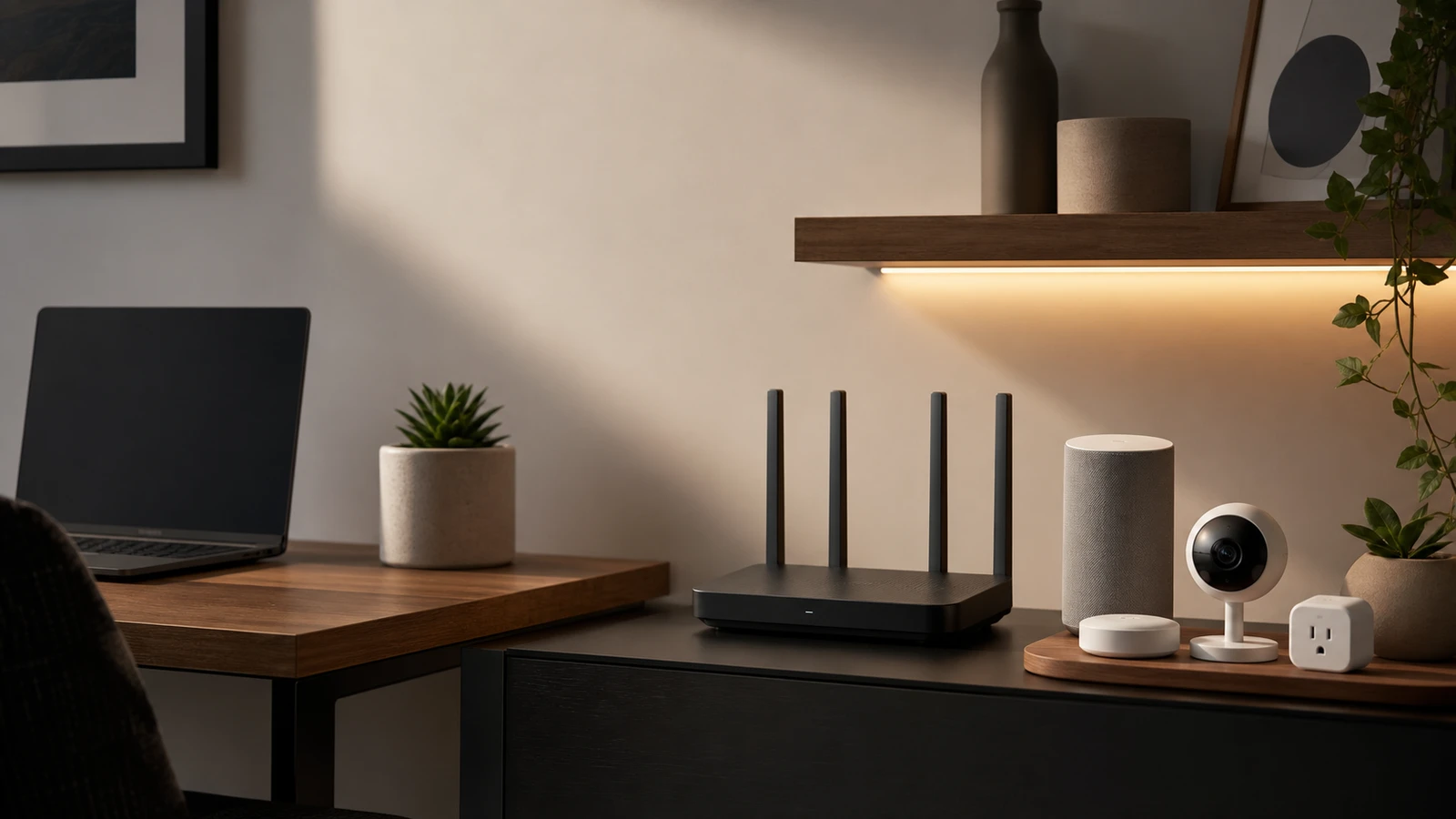
Many smart home devices do not need to sit on the same Wi-Fi network as your laptop, work computer, and phone backups. A guest or IoT network can reduce exposure if one low-cost device is compromised. But separation can also break local control, casting, printer discovery, or hub behavior.
What separation can help with
A separate smart home network can:
- Keep cheap IoT devices away from computers and phones.
- Make the device list easier to audit.
- Limit some local network discovery.
- Let you change smart device Wi-Fi without changing your main password.
- Keep guest access separate from household devices.
The FTC recommends securing the router first because connected devices share the same network foundation.
What it cannot fix
Network separation does not fix:
- Weak account passwords.
- Lack of two-factor authentication.
- Poor firmware support.
- Insecure vendor cloud services.
- Bad camera placement.
- Devices that must talk to a hub on the main network.
Think of a guest network as one layer, not the entire plan.
A simple setup path
- Update the router firmware.
- Use WPA2 or WPA3 security where available.
- Give the IoT network a separate name and password.
- Add simple devices first: plugs, bulbs, cameras, and appliances.
- Test voice control, app control, and automations.
- Keep hubs on the network they need to reach.
- Document which devices are on which network.
If something breaks, move only that device or hub back. Do not abandon the whole idea because one integration needs local discovery.
When not to separate
Skip or delay the IoT network when:
- Your router’s guest network blocks devices you need to control locally.
- You use local-first platforms that require device discovery.
- You cannot troubleshoot two networks yet.
- You have only one or two simple smart devices.
Good security that you understand is better than a complex setup you cannot maintain.
Device groups that are good candidates
Start with devices that mostly need internet access and do not need to discover phones or computers locally:
- many cloud cameras
- smart plugs
- simple bulbs
- appliances
- robot vacuums
- air purifiers
- irrigation controllers
Test one device from each category before moving all of them. If the app, voice assistant, or automation breaks, note which local discovery path is missing and decide whether that device belongs on the primary network.
Devices that may need the primary network
Some devices are more sensitive to separation:
- hubs that coordinate local devices
- speakers used for casting
- printers
- NAS devices
- local automation servers
- phones used as controllers
- devices that use multicast discovery
The right answer may be mixed. A camera can live on the IoT network while a hub stays on the primary network, or a local-first setup may need carefully planned routing instead of a basic guest network.
Router settings to document
Write down the network names, passwords, security mode, guest isolation setting, and which devices are allowed to talk locally. Also note whether the router has a separate IoT mode or only a guest mode.
This documentation helps when a new phone cannot find a device, when a household member replaces the router, or when you need to rotate a password after sharing it with a guest or contractor.
Password and access hygiene
Network separation does not remove the need for account hygiene. Use unique passwords for device accounts, enable two-factor authentication where offered, and remove old users. A separated device can still expose data through its cloud account if the account is weak.
Sources and further reading
- FTC: How To Secure Your Home Wi-Fi Network
- FTC: Securing Your Internet-Connected Devices at Home
- CISA: Securing the Internet of Things
- Related: Home Router Security Checklist
Frequently asked questions
- Should cameras go on a guest network?
- Often yes, if remote viewing and app control still work. Test one camera first before moving every device.
- Will a guest network break smart home automations?
- It can. Some hubs, voice assistants, casting features, and local controllers need devices to be reachable on the same network.
Last updated May 12, 2026. See our editorial policy for methodology and corrections.
The Signal Brief
One useful dispatch each week.
One sharp take, three things worth reading, and the week's buying signals.