Smart Home
Smart Device Software Update Support: What to Ask Before Buying
A practical guide to smart device update support, security patches, app support, cloud dependency, labels, and what happens when support ends.
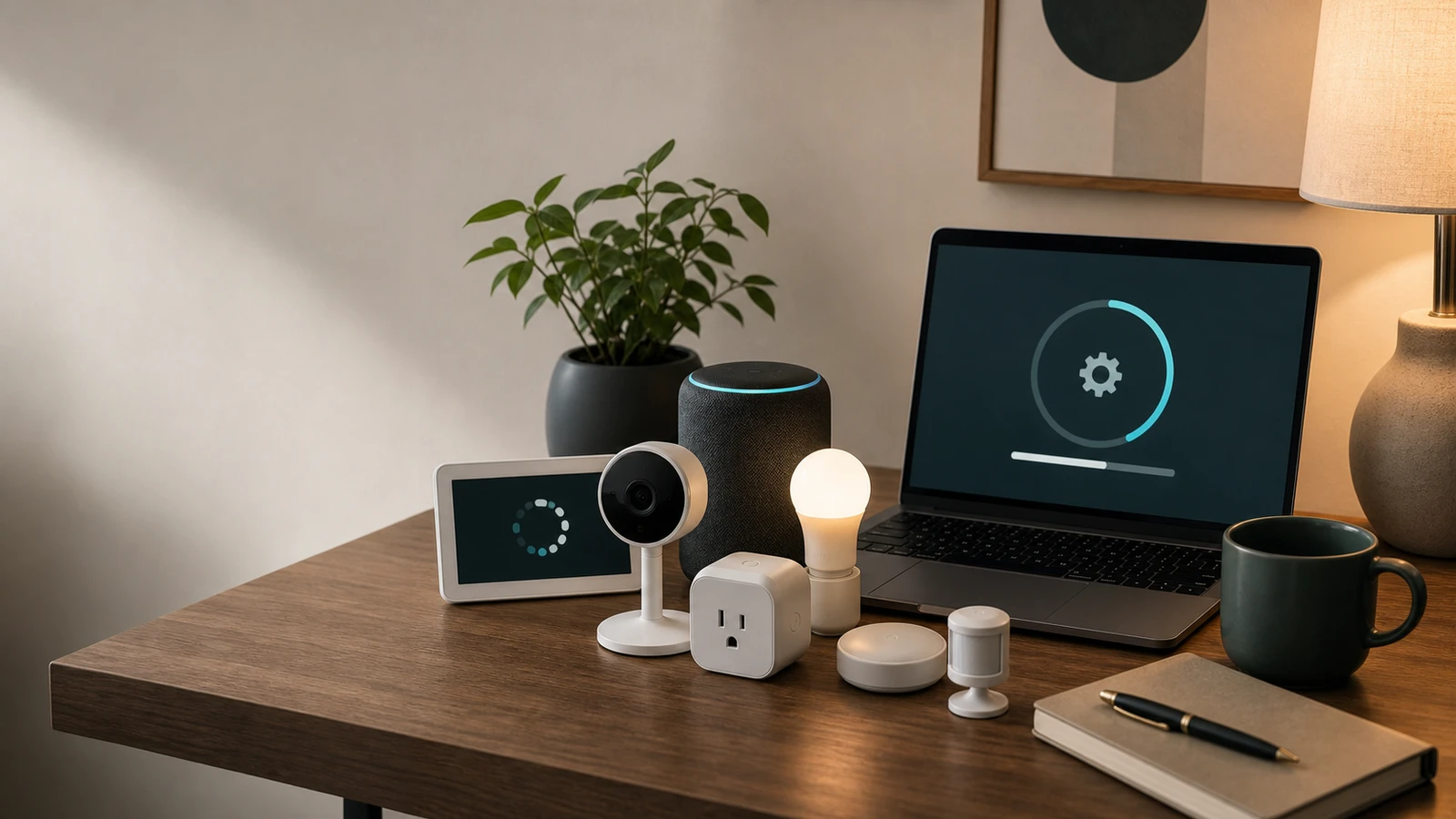
Smart devices are partly hardware and partly software service. A cheap camera, lock, plug, or thermostat is not really cheap if it stops receiving updates, loses app support, or depends on a cloud service that later changes.
Why update support matters
Software updates can fix security issues, preserve compatibility, and keep features working. They can also change features, require new accounts, or end support for older hardware.
The FTC reviewed smart product pages and found many did not clearly say how long software updates would be provided. That matters because buyers cannot compare long-term value if support duration is hidden.
Questions to ask
Before buying:
- How long will the product receive software updates?
- Does the company publish security update information?
- Can firmware update automatically?
- Does the app still support older devices?
- Does the device work locally if internet is down?
- Does it need a paid plan for core features?
- Can you export or delete your data?
- Can you factory reset it before resale?
If the answers are unclear, assume the device has support risk.
Labels and standards
NIST IR 8425 identifies consumer IoT cybersecurity capabilities such as product configuration, data protection, interface access control, software updates, and cybersecurity state awareness. The FCC’s Cyber Trust Mark program is intended to give consumers a recognizable cybersecurity label for qualifying wireless IoT products, with more product information available through a linked record.
Labels can help, but still read the product details.
How to read vague support language
Product pages often use phrases such as “regular updates,” “security enhancements,” or “works with the latest app.” Those phrases are weaker than a clear support window. A stronger page says how long updates are provided, what kind of updates are included, and where release notes or security advisories are posted.
If a product controls access, records video, monitors a child, handles energy, or sits on the home network all day, vague language should carry more weight in your decision. The cheaper price may not be worth it if the device becomes unsupported while the hardware still looks fine.
What support ending looks like
End of support does not always mean a device stops immediately. More commonly, one of these things happens first:
- the app stops receiving new features
- firmware updates become rare
- new phones or operating systems are not fully supported
- cloud features are reduced or moved to a paid plan
- integrations with voice assistants or platforms break
- security issues are not patched quickly, or at all
That is why support is a buying criterion, not a troubleshooting detail.
Safer defaults before you buy
Favor devices with local controls, clear reset instructions, automatic update options, and a published support story. Avoid products where the only support signal is a marketplace listing with no manufacturer documentation.
For cameras, locks, routers, alarms, and garage controls, write down the support page before installing. If you cannot find it during shopping, you are unlikely to find it easily during a security problem.
Resale and hand-me-down checks
Before selling or giving away a smart device, check whether it can still be securely used by the next person. Remove it from your account, factory reset it, delete recordings or room names, and confirm whether the manufacturer still supports setup for new users.
Unsupported connected devices are not automatically unsafe in every use, but they deserve a higher bar before they stay on a network.
Bottom line
For connected devices, support is part of the product. If the manufacturer does not explain updates, reset behavior, local fallback, and account security clearly, treat the low sticker price as incomplete information rather than a deal.
Sources and further reading
- FTC: Smart products and software update support
- NIST IR 8425: Consumer IoT cybersecurity baseline
- FCC Cyber Trust Mark overview
- Related: Smart Lock Buying Checklist
Frequently asked questions
- How long should a smart device get updates?
- There is no single universal number. The important point is that the manufacturer clearly states the support period and update process before you buy.
- Does Matter guarantee long-term support?
- No. Matter can help interoperability, but it does not by itself guarantee future firmware updates, app support, or cloud availability.
Last updated May 12, 2026. See our editorial policy for methodology and corrections.
The Signal Brief
One useful dispatch each week.
One sharp take, three things worth reading, and the week's buying signals.