Smart Home
Smart Home Hub vs No Hub: Which Setup Makes Sense?
A plain-English guide to smart home hubs, bridge devices, Matter controllers, Thread border routers, Wi-Fi-only setups, and local control.
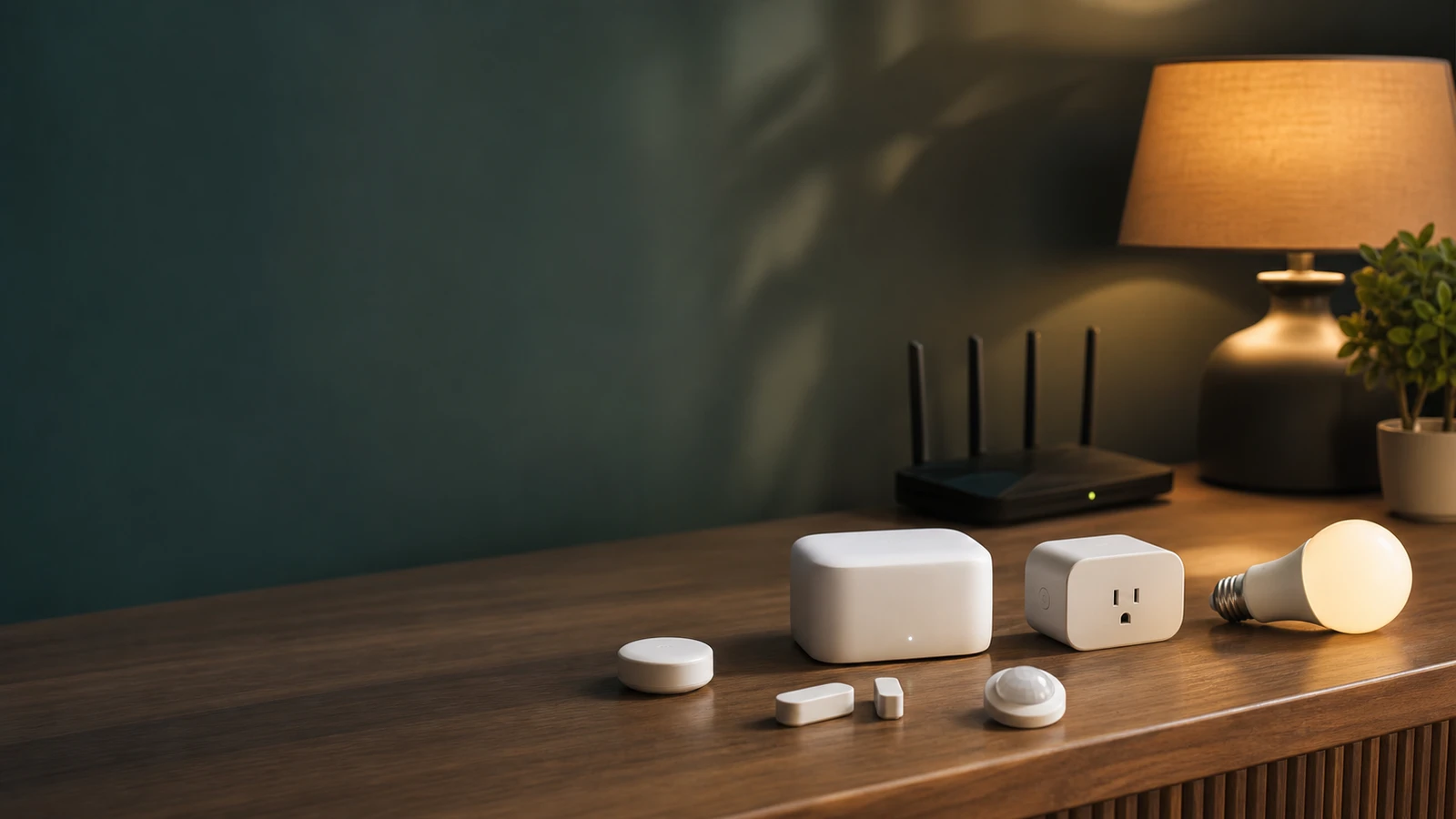
“No hub required” sounds simpler, but it is not always better. A hub can reduce Wi-Fi clutter, improve local control, and connect low-power devices. A no-hub setup can be easier when you only have a few devices and do not want another box.
What people call a hub
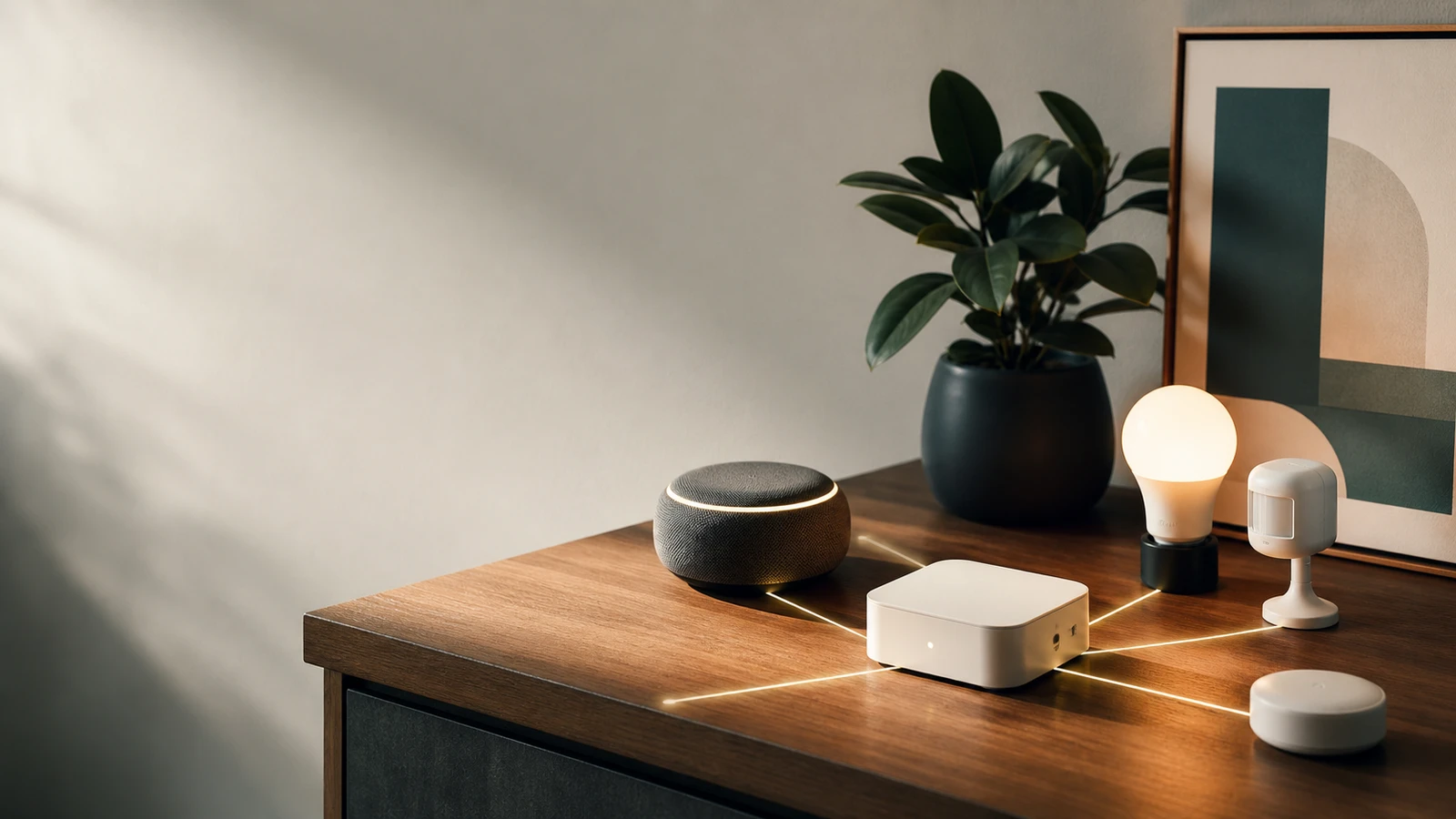
The word “hub” can mean several things:
- A Zigbee bridge.
- A Z-Wave hub.
- A Matter controller.
- A Thread border router.
- A smart speaker that controls devices.
- A local automation server.
Before buying, ask what the device actually connects and what happens if the internet is down.
When no hub is fine
No-hub Wi-Fi devices make sense when:
- You only need a few plugs, bulbs, or cameras.
- You do not want to learn a hub ecosystem.
- The app is clear and well supported.
- You have a strong router.
- The device does not need fast local automation.
This is the easiest start, but it can become messy if every room gets several Wi-Fi devices.
When a hub helps
A hub can help when:
- You have many battery sensors.
- You want buttons and motion sensors to respond quickly.
- You use Zigbee, Z-Wave, or Thread devices.
- You want fewer Wi-Fi clients.
- You want local automations when the cloud is slow or unavailable.
Thread and Matter can reduce some old compatibility problems, but they do not remove the need to check controller and border-router requirements.
Reliability questions
Ask:
- Does the device work locally?
- Does remote control require a cloud service?
- How are firmware updates handled?
- Can automations run without internet?
- Can multiple household members administer it?
- What happens if the company stops supporting the product?
The FTC’s smart-device update research is a reminder that software support is part of the buying decision, not an afterthought.
The scaling problem
No-hub setups feel clean with two or three devices. They can become harder to manage when every bulb, plug, camera, and appliance uses a separate app, cloud account, and firmware process. The router may handle the clients, but the human still has to maintain passwords, sharing, updates, and automations.
A hub or controller can reduce that management load when many devices use the same protocol. It can also give routines a more stable place to run. The tradeoff is that the hub itself becomes critical infrastructure. If it fails, several routines may fail together.
Matter and Thread expectations
Matter improves the compatibility story, but it does not remove every decision. Thread devices need a Thread border router. Matter devices need a compatible controller. Some features still live in the manufacturer’s app. Certification does not guarantee that every platform exposes every advanced feature.
That means “works with Matter” should start a checklist, not end it. Confirm the device category, your controller, your phone platform, and any feature you care about before buying.
A simple growth path
If you are starting from zero, use this sequence:
- Buy one or two Wi-Fi devices only if they solve a real problem.
- Add a strong router and separate smart-home network if needed.
- Choose a primary platform before buying many sensors.
- Add a hub, bridge, controller, or border router when devices require it.
- Keep a device inventory with protocol, app, room, and reset notes.
This avoids the common trap of buying five ecosystems before deciding which one should run the home.
When local control matters most
Prioritize local control for lights, buttons, locks, garage controls, thermostats, and routines you expect to work during internet trouble. Cloud control is fine for many conveniences, but it should not be the only path for basic household functions.
Bottom line
No-hub is simplest at small scale. A hub or controller becomes more useful as the device count grows, batteries matter, or local automations become important. Pick the architecture that you can document and maintain, not the one with the cleanest box copy.
Sources and further reading
- CSA: Matter 1.5 update
- Thread Group: Thread in homes
- FTC: Smart products and software update support
- Related: Matter vs Thread vs Zigbee
Frequently asked questions
- Is no hub required a good thing?
- It can be good for small setups, but it can also mean every device joins Wi-Fi separately and depends on a separate vendor app.
- Do Matter devices need a hub?
- They need a compatible controller, and Thread-based Matter devices need a Thread border router. That controller may be built into a device you already own.
Last updated May 12, 2026. See our editorial policy for methodology and corrections.
The Signal Brief
One useful dispatch each week.
One sharp take, three things worth reading, and the week's buying signals.