Smart Home
Smart Home Internet Outage Plan: What Still Works
A realistic outage plan for smart homes: which devices need cloud service, which may work locally, and what to test before a storm.
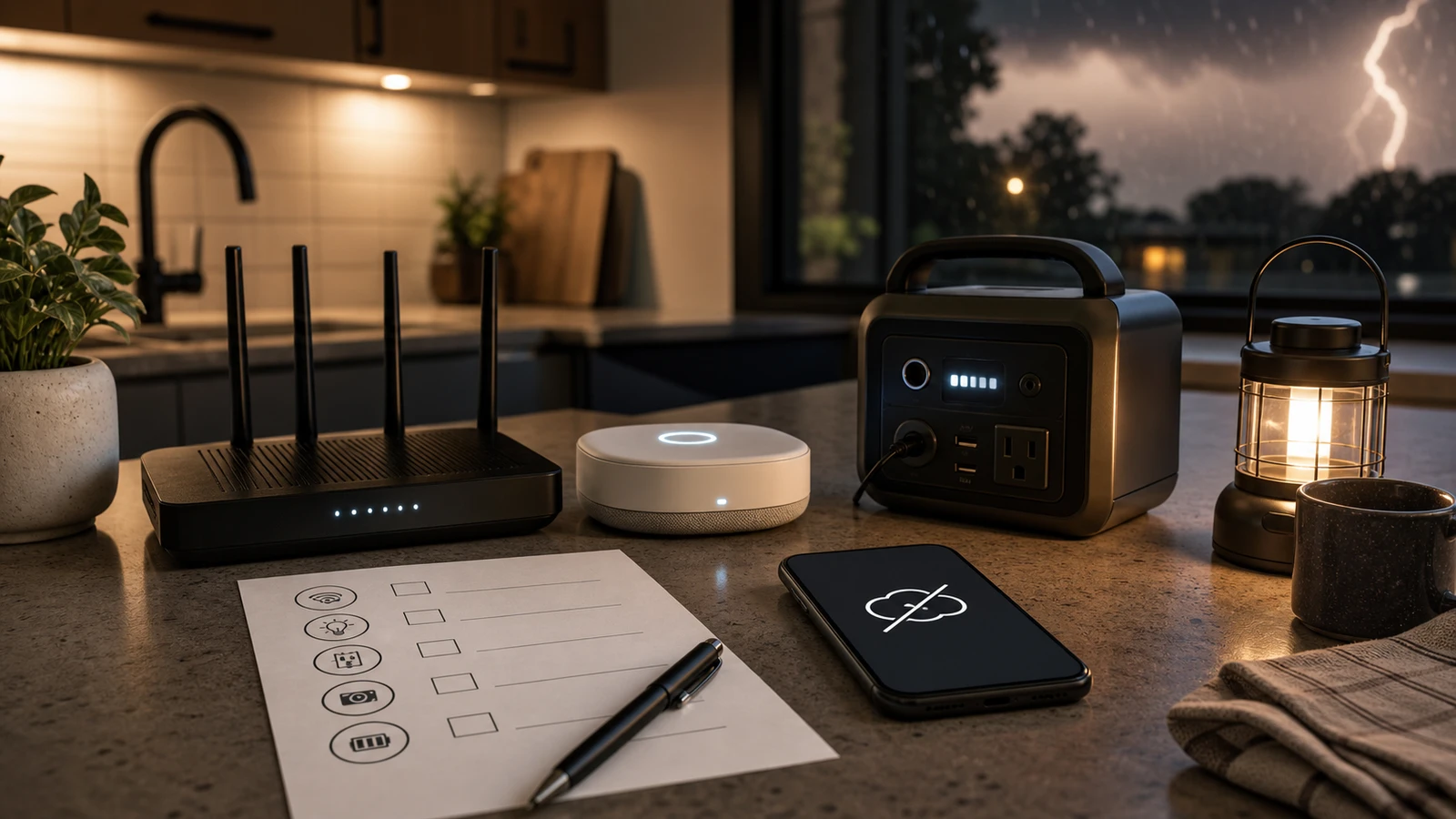
Many smart homes work well until the internet drops. Then cameras may stop loading, voice assistants may fail, cloud automations may pause, and remote access may disappear.
Some devices still work locally. Others become basic hardware. The only way to know is to test before you need it.
Devices that often keep basic function
These may keep some local function, depending on model and setup:
- Smart bulbs controlled by a local switch.
- Smart switches with physical controls.
- Smart locks with keypad or key backup.
- Thermostats with local screen controls.
- Garage doors with wall buttons and manual release.
- Smoke and CO alarms with local sirens.
- Leak sensors that sound locally.
Check the manual. Do not assume app failure means device failure.
Devices that often lose features
These commonly lose major features during an internet outage:
- Cloud cameras.
- Video doorbells.
- Voice assistant routines.
- Remote unlock or open commands.
- Cloud-only automations.
- App dashboards.
- Subscription monitoring features.
Wi-Fi may still work inside the home while internet service is down, but many consumer devices still depend on cloud services.
Test before a real outage
Run a controlled test:
- Tell the household you are testing.
- Unplug only the modem’s internet feed or disconnect WAN if you know how.
- Leave local Wi-Fi powered.
- Test locks, switches, thermostats, sensors, cameras, and hubs.
- Note what still works locally.
- Restore internet and confirm everything reconnects.
Do not test by cutting power to everything unless you specifically want a power-outage test.
Build a simple fallback list
Keep a short household note:
- Front door: keypad works, physical key location.
- Garage: wall button works, manual release known.
- Thermostat: local screen works.
- Cameras: cloud recording unavailable during internet outage.
- Router: UPS or battery backup status.
- Hub: local automations that still run.
The point is not to make every smart device offline-perfect. It is to know which assumptions are wrong.
Power outage vs internet outage
Separate the two failure modes. An internet outage means local power and Wi-Fi may still work, but cloud services do not. A power outage means routers, hubs, cameras, switches, and chargers may also lose power unless they have battery backup.
Test them separately. For internet-only testing, keep the router powered and remove the WAN connection if you know how. For power testing, use safe, controlled methods and avoid interrupting medical, security, or work systems.
What to put on battery backup
For short interruptions, consider whether these belong on a small UPS:
- modem
- router
- main smart home hub
- Thread border router or bridge
- network switch used by cameras
- phone charger
Battery backup does not create internet service if the provider is down, but it can keep local Wi-Fi and some automations alive during brief power blips. Do not plug high-load appliances into a small UPS.
Family instructions
Write instructions for non-technical users:
- how to unlock doors without the app
- how to operate garage doors manually
- which lights still work from wall switches
- where physical keys are stored
- which alarms sound locally
- who receives outage alerts
The plan is only useful if someone else can follow it when you are not home.
After the test
Fix the highest-risk surprise first. If a lock has no usable backup path, a camera stops recording when expected, or a thermostat loses local control, that matters more than a convenience routine failing. Update your device inventory with what worked locally and what depended on cloud service.
Bottom line
The goal is not to make every smart device work offline. The goal is to know which devices matter, which functions fail, and which manual backups the household can use. Test before storms, travel, or outages expose the weak spots.
Sources and further reading
- FTC: Securing Your Internet-Connected Devices at Home
- CISA: Securing the Internet of Things
- NIST IR 8425: Profile of the IoT Core Baseline for Consumer IoT Products
- Related: Home Router Security Checklist
Frequently asked questions
- Will smart lights work without internet?
- Sometimes. Physical smart switches and local hub setups may keep working, while cloud-only app or voice control may fail.
- Should my router be on a UPS?
- A small UPS can keep modem, router, or hub equipment online during short power interruptions, but it does not fix an ISP outage.
Last updated May 12, 2026. See our editorial policy for methodology and corrections.
The Signal Brief
One useful dispatch each week.
One sharp take, three things worth reading, and the week's buying signals.