Smart Home
Smart Speaker Privacy Settings: What to Check First
A practical smart speaker privacy checklist for microphones, voice history, purchasing, contacts, household access, kids, and guest use.
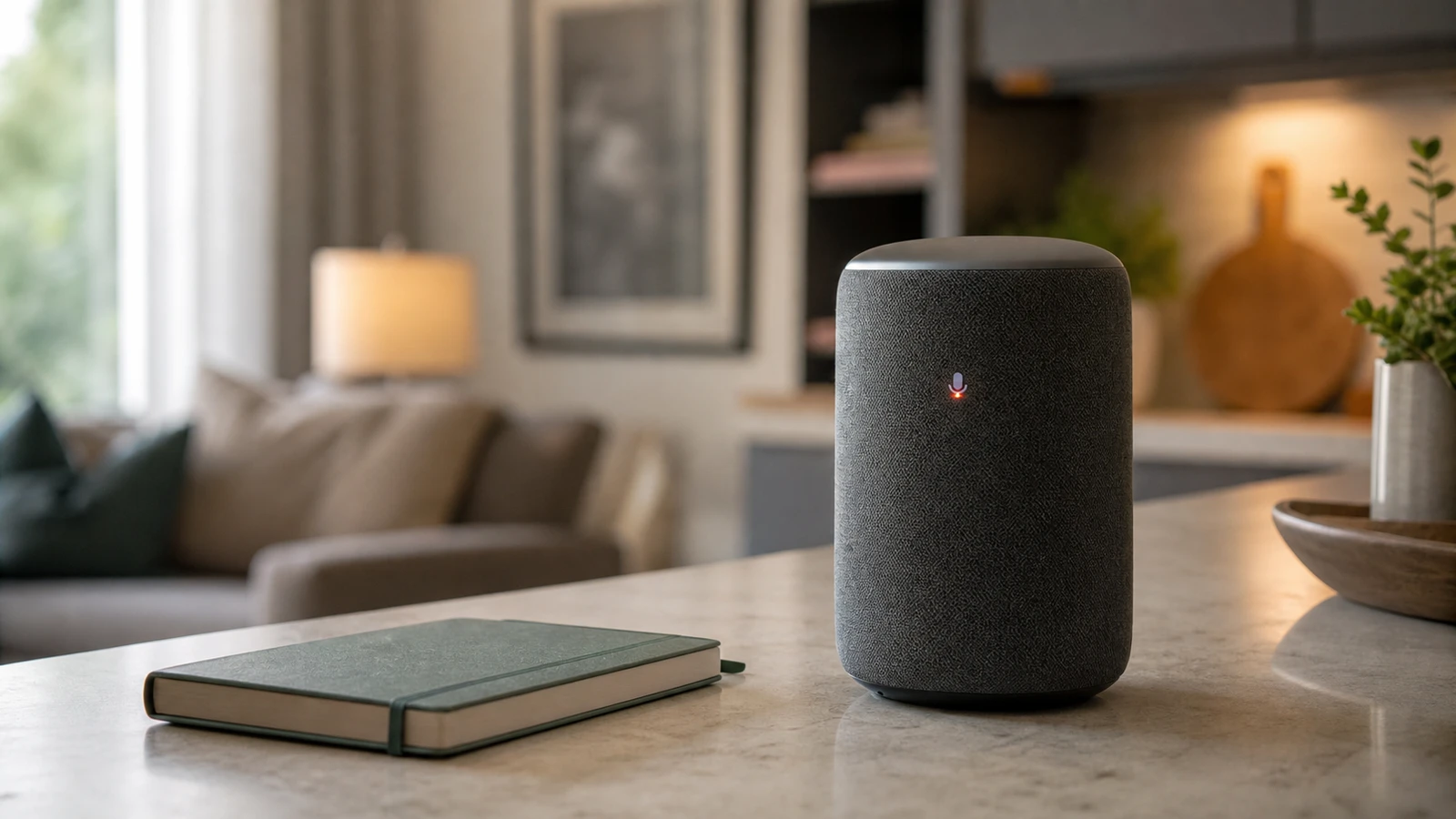
Smart speakers are convenient because they wait for voice commands. That means privacy setup matters before the device becomes part of the room. The right settings depend on whether the speaker is in a kitchen, bedroom, office, kids’ room, or shared living area.
Start with placement
Use smart speakers where voice control has real value:
- Kitchen.
- Living room.
- Entry area.
- Workshop.
- Home office if meetings are not sensitive.
Be cautious in bedrooms, bathrooms, guest rooms, kids’ rooms, and any place where private conversations are common.
Settings to check
Open the companion app and review:
- Voice recording history.
- Auto-delete options.
- Human review or improvement settings.
- Microphone mute behavior.
- Voice purchasing.
- Contact access.
- Calendar and email access.
- Household profiles.
- Kids or teen controls.
- Third-party skills, actions, or apps.
The FTC recommends checking privacy policies for voice assistants to understand how recordings are handled and who may listen to them. That is not a one-time task if you add new services later.
Household and guest use
Set rules for:
- Who can add devices.
- Who can unlock doors or change security modes by voice.
- Whether guests can make purchases.
- Whether children can access explicit content.
- Whether the speaker announces calendar details.
- Whether drop-in or intercom features are enabled.
Voice convenience should not override access control.
When a simpler speaker is better
Skip the smart speaker when:
- You only need music.
- The room has sensitive conversations.
- You do not want another account-connected microphone.
- The household will not manage privacy settings.
- A physical switch, remote, or phone shortcut is enough.
The best privacy setting is sometimes not adding the device.
Setup order for a new speaker
Before placing the device in a room, configure the account first. Review voice history, delete settings, purchasing, household profiles, and third-party skills while the device is still on a desk. Then decide where it belongs.
For shared homes, use separate voice profiles where the platform supports them. That can reduce accidental access to another person’s calendar, messages, shopping, or music history. It is not perfect security, so avoid connecting sensitive accounts unless the benefit is clear.
Room risk levels
Lower-risk locations are usually kitchens, living rooms, entry areas, and workshops where people expect shared use. Higher-risk locations include bedrooms, bathrooms, guest rooms, nurseries, and offices where calls or private work happen.
If the speaker is mainly for music in a high-risk room, consider a Bluetooth speaker or a non-assistant speaker instead. If it is mainly for lights, a physical button may be more private.
Features to disable if unused
Turn off features you do not need:
- voice purchasing
- drop-in or intercom features
- contact access
- calendar access
- explicit content for children’s areas
- third-party skills you no longer use
- smart lock or garage voice commands
Unused integrations increase the number of settings you must audit later.
Ongoing review
Set a reminder to review voice history and linked services every few months, especially after adding a new smart home platform. Smart speakers often become the control point for locks, lights, cameras, and thermostats; privacy review should keep up with that growth.
Bottom line
Treat a smart speaker as an account-connected microphone and household control point, not just a music player. Put it where the convenience is clear, disable unused permissions, and avoid linking sensitive services unless the household is willing to maintain the settings over time. If that maintenance sounds unrealistic, choose a simpler speaker or physical controller.
Sources and further reading
- FTC: How To Secure Your Voice Assistant and Protect Your Privacy
- FTC: Securing Your Internet-Connected Devices at Home
- NIST IR 8425: Consumer IoT cybersecurity baseline
- Related: Smart Home Hub vs No Hub
Frequently asked questions
- Should I put a smart speaker in a bedroom?
- Only if the benefit is worth the privacy trade-off. For many homes, kitchens and living rooms are better first locations.
- Can smart speakers make purchases?
- Some can when purchasing is enabled and accounts are linked. Review purchase settings and require confirmation where available.
Last updated May 12, 2026. See our editorial policy for methodology and corrections.
The Signal Brief
One useful dispatch each week.
One sharp take, three things worth reading, and the week's buying signals.